

Digital wall calendars are wall mounted touchscreens running fixed software that shows a shared household calendar, chore lists, meal plans and photographs. They solve a real problem, which is that family schedules live in several separate phones and nobody sees the whole picture. Whether they are worth it depends on much less exciting questions: what the ongoing subscription costs, which calendar services sync properly, who can see the sharing link you create, and what happens to a wall mounted screen if the company behind it stops.
Updated October 2026. Prices and subscription terms change and vary by country; check the manufacturer page before buying.
What you are actually buying
Take a concrete published example. Skylight lists its Calendar 2 at a 15 inch size with a 1920 by 1080 panel at 299.99 US dollars as a one time purchase, alongside a 10 inch model and a 27 inch Calendar Max that is wall mount only with no countertop stand option. The device has to be plugged into an electrical outlet to work and needs Wi-Fi at all times; there is no battery option. Its published sync list covers Google, Outlook, Apple, Cozi and Yahoo, plus any calendar with a public sharing link.
The part that changes the arithmetic is the subscription. Skylight lists a Plus plan at 79 US dollars a year after a complimentary first month, and the features it names as included are the photo screensaver, meal planning, importing events from email or PDF, a rewards system for completed tasks and a themed display mode. Those are the features most demonstrations lead with, so read carefully which side of the line each one sits on before deciding the hardware price is the price.
7 honest checks before buying digital wall calendars
- Does your household already share one calendar? If events live in separate accounts that nobody has shared, a screen on the wall will display the same gaps. Fix the sharing first; you may find you no longer need the screen.
- Add up the subscription over the life of the device. A 79 dollar annual plan is more than the hardware price over four years. Decide whether you want the paid features or only the grid.
- Check your calendar service is on the sync list. Support for Google, Outlook, Apple and the rest is not universal across brands, and a product that only subscribes to a link behaves differently from one with full two-way sync.
- Work out where power and a mount go. These devices need mains power and constant Wi-Fi. A 27 inch panel may be wall mount only, which means a cable run in the place everyone looks.
- Understand what the sharing link exposes. Google is explicit that the secret address in iCal format is for viewing your calendar in other applications and is not meant to be shared with anyone, and that anyone who learns it can see the calendar until you reset it.
- Ask what happens if the service ends. A screen whose software is a service becomes a screen with no software, which is the risk our piece on not building on rented land describes from the other side.
- Check whether a device you own already does it. A spare tablet, a smart display or a cheap monitor on a mini PC will show a shared calendar. What you lose is the always-on panel and the purpose-built interface, which for some households is exactly the thing worth paying for.
The sharing question is the privacy question
Everything these devices show arrives through calendar sharing, so the sharing model is the privacy model. Google Calendar offers five permission levels, from see only free and busy, through see event details, up to make changes and manage sharing, which Google describes as full control of events or tasks along with the ability to share with others. There is also a public option that lets people find the calendar on the internet or in search results and subscribe to it.
Separately, Google distinguishes the public address from the secret address in iCal format and warns that only you should know the secret address, advising a reset to invalidate the old one if it is ever revealed. Apple works similarly for iCloud calendars: turning on Public Calendar produces a link anyone can use to subscribe in a compatible app, subscribers can view but not change the calendar, and only the owner can share it or make changes. An invitee does not need an iCloud account to view a public calendar.
The practical rule is to give the wall device the narrowest access that makes it useful. If it only needs to display, a read-only subscription is enough, and you should keep a note of which links exist so you can revoke them. The same reasoning applies to anything else always-on in a shared room, as our pieces on what smart speakers hear and AI in the smart home discuss.
Who these actually suit
- Households with several non-phone users. Children, older relatives and anyone who does not carry a phone around the house benefit most, because the information is visible without a device.
- Coordination-heavy weeks. School runs, shifts, clubs and appointments across four or five people are where a single surface earns its place.
- People who will mount it properly. Propped on a worktop near a socket, it becomes clutter. In a hallway at eye level, it becomes infrastructure.
- Not people who want one more screen. If your calendar problem is that nobody enters events, a display will not fix it. Entry discipline is a habit, not a product.
- Not people who dislike subscriptions. Several of the headline features are commonly behind the annual plan, so check the feature split rather than the marketing page.
If the appeal is mainly a tidier household system rather than the hardware itself, our guide to decluttering your digital life is a cheaper starting point, and home office setup covers mounting and cable routing for a screen that has to look deliberate.
Common questions
Are digital wall calendars worth the money? They are worth it for households that genuinely coordinate several people and will mount the screen somewhere everyone passes. For one or two adults who both use phone calendars, shared calendars cost nothing and do most of the same job.
Do they need a subscription? Often for the extras. Skylight lists a Plus plan at 79 US dollars a year covering features such as the photo screensaver, meal planning and importing events from email or PDF, after a complimentary first month.
Which calendars do they sync with? It varies by brand. Skylight publishes support for Google, Outlook, Apple, Cozi and Yahoo, plus any calendar with a public sharing link. Confirm your own service is listed before buying.
Can I use a tablet instead? Yes, and it will show the same shared calendars. What you give up is an always-on wall panel and software designed for a household rather than one person, which is the main thing the dedicated devices add.
Is a shared calendar link private? Only if you keep it private. Google states that the secret address in iCal format should be known only to you and advises resetting it if revealed, and a public calendar can be found online and subscribed to by anyone.
Sources and further reading
Where the figures and rules above come from, so you can check them:
- Sizes, resolution, price, subscription cost and features, sync list and power requirement: Skylight product page
- Calendar sharing permission levels and public sharing: Google Calendar Help
- Secret address in iCal format and the advice to reset it: Google Calendar Help
- Public iCloud calendars, subscriber permissions and owner control: Apple Support
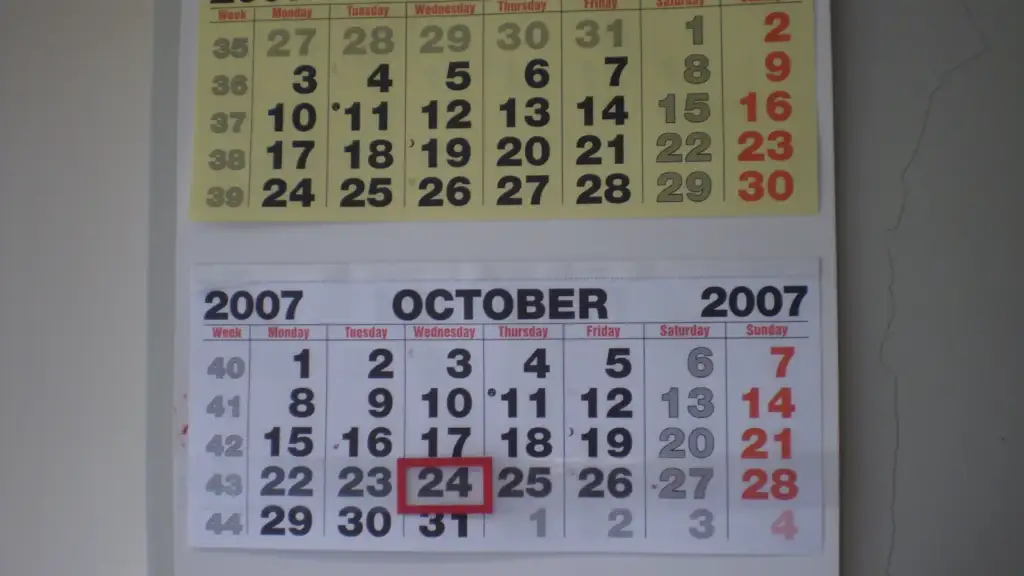
Photo credit: WallCalendar by Claudio Elias, Public domain, via Wikimedia Commons.

Join the discussion