Section · Features
Features section design turns a list of benefits into something people actually look at. These sections run live, including their small animations, and each comes with the prompt that recreates it.



Guide
Seen in the wild
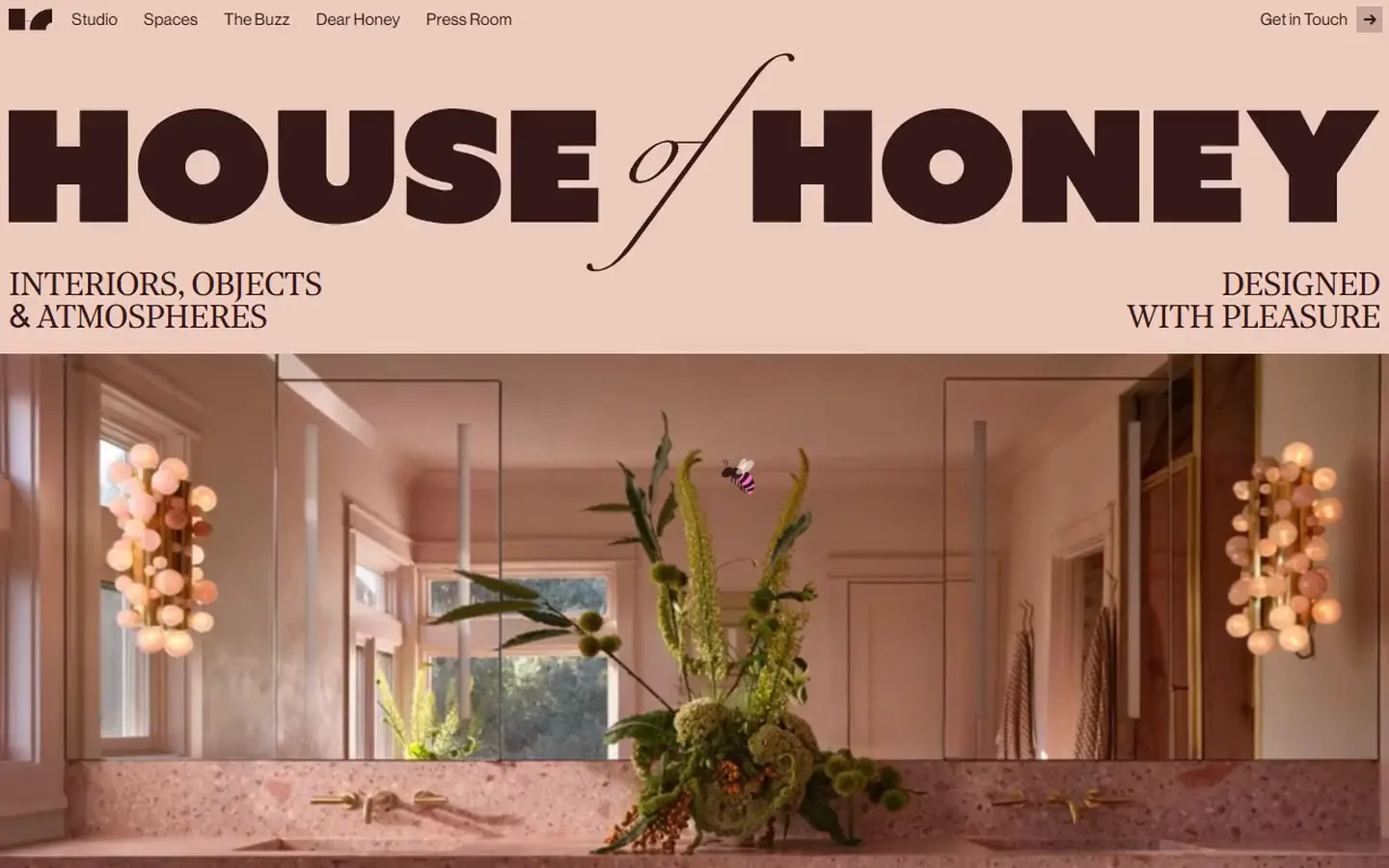 House of Honey ↗An interiors collective whose masthead wraps a heavy black wordmark around a thin script "of", set on blush pink, then...houseofhoney.com
 Union Boulangerie ↗A Paris neighbourhood bakery that opens on grainy video from the kitchen, then switches to flat cobalt blue panels with...unionboulangerie.com
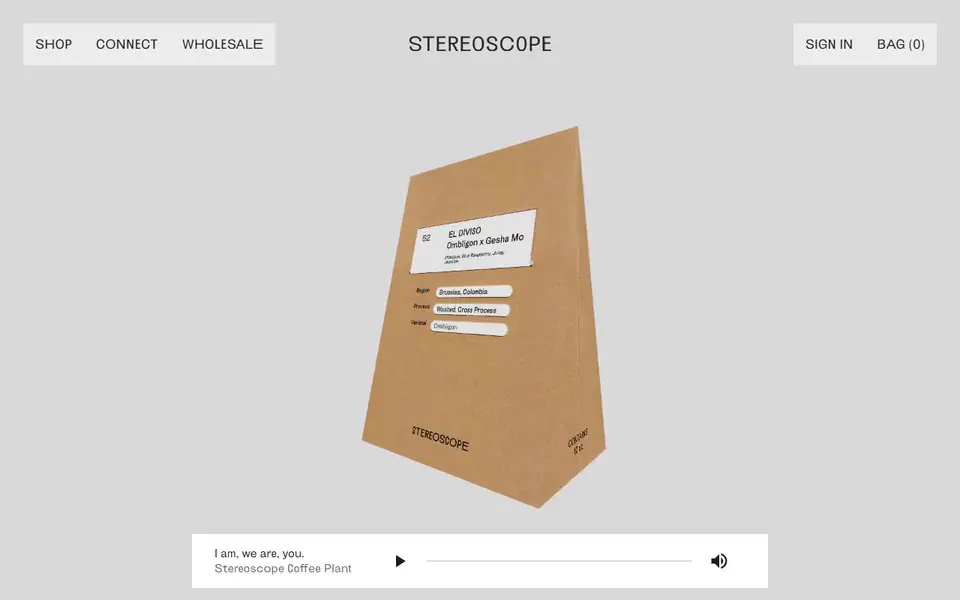 Stereoscope Coffee ↗A stark grey page where each coffee bag sits alone like a gallery piece, turning in 3D as you scroll....stereoscopecoffee.com