
Apple built most of its October launch around MacBook Pro M6 AI performance. The figures are large and a few of them are genuinely important. This article takes the six numbers that matter, explains what each one measures, and points out the one number Apple does not publish at all.
Updated October 2026. Prices and configurations change, so check the manufacturer pages linked at the end before you buy anything.
1. A dual 16 core Neural Engine
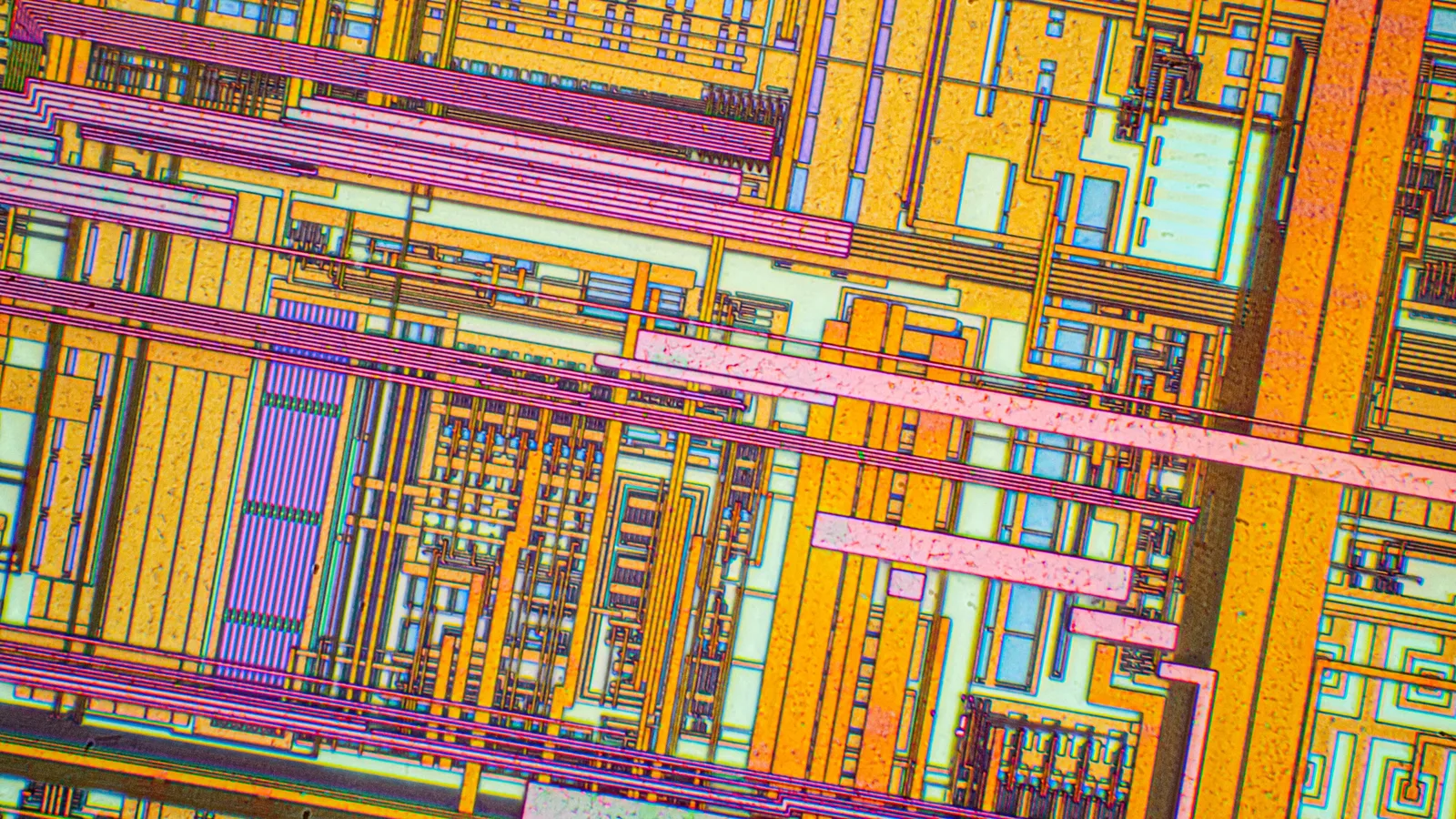
The Neural Engine is the part of an Apple chip built only for AI maths. Every Apple laptop chip since 2020 has had one. The M5, the M5 Pro and the M5 Max all have a 16 core Neural Engine.
The M6 has what Apple calls a dual 16 core Neural Engine. That single word is the biggest hardware change in this generation, and it is why the AI figures move further than the graphics ones.
Apple claims it delivers up to 1.9 times the performance of the M5. For a chip generation that is a very large step. Ordinary application speed moved about 20 to 30 percent over the same period.
2. Neural Accelerators inside every graphics core
AI work does not only run on the Neural Engine. Large models often run on the graphics cores, because there are more of them and they handle big blocks of numbers well.
Apple puts a Neural Accelerator inside each of the 12 GPU cores on the M6. The same design appears on the M5, M5 Pro and M5 Max, so this is not new, but having twelve of them instead of ten is part of the MacBook Pro M6 AI improvement.
In plain terms, the chip now has two separate places to do AI work and software can use whichever suits the job.
3. Up to 25 percent faster AI workloads
This is Apple general claim for the M6 against the M5. The comparison machine was a 14 inch MacBook Pro with M5, a 10 core CPU, a 10 core GPU, 32GB of memory and a 4TB drive.
Notice the gap between this and the 1.9 times Neural Engine figure. They are not contradictory. One measures a single component in isolation, the other measures a whole task where memory, storage and software all take their share of the time.
When you see a chip claim, the question is always which of those two kinds of number you are reading. Component figures are larger. Task figures are the ones you will feel.
4. Time to first token, and what it really is
Apple leading AI benchmark is time to first token. It is worth understanding, because it appears in every chart.
A token is a chunk of text, roughly a short word or part of a longer one. When you send a prompt to a language model, the model has to read your whole prompt before it can produce anything. Time to first token is the pause between pressing enter and the first word appearing.
- Up to 1.3 times faster than the 14 inch MacBook Pro with M5.
- Up to 13 times faster than the 13 inch MacBook Pro with M1.
Apple describes how it measures this on its MacBook Air page: an 8,000 token prompt, a model with 14 billion parameters, 4 bit quantization, running in LM Studio. Quantization means storing the model numbers less precisely so it fits in less memory and runs faster.
That is an unusually specific test, and it is a realistic one. An 8,000 token prompt is a long document, not a one line question.
5. Memory bandwidth, the quiet MacBook Pro M6 AI number
This is the figure almost nobody puts in a headline and it may matter more than the Neural Engine claim.
- With 16GB of unified memory, the M6 runs at 153GB/s.
- With 24GB or 32GB, it runs at 170GB/s.
Running a language model locally means reading the entire model out of memory for every token it produces. Not once, every token. So the speed of the road between memory and processor sets a hard ceiling on how fast the model can talk, no matter how good the Neural Engine is.
That is why the memory upgrade on this machine is really two upgrades. It is also why the M5 Pro and M5 Max remain strong choices for AI work: they run at 307GB/s and up to 614GB/s.
6. The number Apple does not publish
Chip makers usually quote TOPS, which stands for trillions of operations per second. It is the standard headline figure for AI hardware.
Apple publishes no TOPS figure for the M6 Neural Engine on any of its pages. It gives core counts and relative multipliers instead. That is a deliberate choice and it makes direct comparison with Windows laptops difficult.
For contrast, Microsoft states that the 13 inch Surface Laptop has a Qualcomm Hexagon NPU rated at 80 TOPS. Microsoft also publishes no TOPS number for its own Surface Laptop Ultra, so the gap cuts both ways. Our Copilot Plus PC explainer covers why that number became a marketing standard.
What Apple Intelligence actually gives you
Hardware is half the story. The software side is Apple Intelligence, and its footnotes are more restrictive than the headlines suggest.
- Siri AI is in beta. Apple spec pages say macOS 27, while the launch newsroom footnote says macOS 27.2.
- It launches in English, French, Japanese, Korean, Portuguese and Spanish.
- It will not be available in the European Union initially.
- It is not available to users under 13.
- Apple says expanded access “will be available for a fee in the future”.
Other named features include Visual Intelligence, Image Playground, intelligent photo editing tools, Live Translation in Messages, FaceTime and Phone, and Shortcuts that can call Apple cloud models.
Local models versus cloud models
Apple mentions running language models locally on these machines. It is worth being clear about why anyone would, because it is not only about speed.
- Privacy. A model running on your laptop does not send your document anywhere.
- Cost. No subscription and no per token billing.
- Offline use. It works on a plane or a bad connection.
- Control. You choose the model and it does not change under you.
The trade is capability. A 14 billion parameter model that fits comfortably in 32GB is useful and is not the equal of the largest cloud models. For summarising, drafting and code completion it is often enough.
How much memory you actually need for AI
A rough guide, assuming 4 bit quantization, which is what Apple own benchmark uses.
- 16GB. Comfortable with models up to about 7 or 8 billion parameters while other applications are open.
- 24GB. Comfortable with a 14 billion parameter model, which is the size Apple benchmarks.
- 32GB. Room for a larger model or for keeping one loaded while you work on something else.
If local AI is the reason you are buying, 16GB is the configuration to avoid. That is true even before the bandwidth difference is taken into account.
What the MacBook Pro M6 AI claims do not tell you
Three honest gaps are worth holding on to.
- No absolute figures. Every AI claim is a multiple of another Apple machine, so there is no way to compare directly with a Windows laptop.
- No sustained figures. The tests are short. A laptop running a model for an hour will warm up and slow down, and no manufacturer publishes that curve.
- No model named in the main claims. The MacBook Air footnote names LM Studio and a 14 billion parameter model. The MacBook Pro claims do not repeat that detail.
None of this means the figures are wrong. It means they describe a controlled test, which is what every benchmark is.
What 1.3 times actually feels like
Multipliers are abstract, so here is the same claim in seconds.
Suppose a model on an M5 machine takes 3 seconds to begin answering a long prompt. At 1.3 times faster, the M6 takes about 2.3 seconds. That is a real improvement and it is not a transformation.
Now take the M1 comparison. The same 3 second wait becomes closer to 0.25 seconds at 13 times faster, which is the difference between waiting and not waiting. That is why Apple leads with the five year figure, and it is a fair thing to lead with for anyone actually upgrading from an M1.
The lesson generalises. When a claim is under about 1.5 times you will notice it only on long tasks. Above about 3 times, the task changes character.
The three things that really limit local AI
A fast Neural Engine is one ingredient. These are the others, in the order they usually bite.
- Memory capacity. A model that does not fit cannot run. At 4 bit quantization, a 14 billion parameter model needs roughly 8 to 10GB before anything else is open.
- Memory bandwidth. Every token requires reading the model again, so bandwidth sets the ceiling on words per second. This is why the 170GB/s configurations matter.
- Thermal headroom. Generating text for twenty minutes is a sustained load. A thin laptop warms up and backs off, and no published benchmark shows that.
Notice that two of the three are memory. That is the practical heart of MacBook Pro M6 AI performance, and it is why the configuration choice matters more than the generation choice.
A sensible first week with local models
If this is your reason for buying, here is an order of operations that avoids the usual frustrations.
- Start with a small model. Something in the 7 to 8 billion parameter range runs comfortably even on 16GB and tells you whether the workflow suits you at all.
- Use 4 bit quantization. It is what Apple own benchmark uses, and the quality cost is much smaller than the memory saving.
- Watch memory pressure, not CPU. macOS Activity Monitor shows it. If it goes yellow, the model is too big for what else you have open.
- Compare against a cloud model honestly. Local models are private, free and offline. They are not as capable, and pretending otherwise leads to disappointment.
Why Apple will not publish a TOPS number
It is worth understanding the reasoning, because it is not only stubbornness.
TOPS depends on which precision you count. The same hardware can quote one number at 16 bit precision and four times that at 4 bit, and an eighth again using sparsity tricks. Microsoft own footnote for the Surface Laptop Ultra mentions theoretical FP4 TOPS with the sparsity feature, which is exactly this problem in writing.
So a TOPS figure is only comparable between chips that counted it the same way, and almost nobody states how they counted. Apple position is that its own generation to generation comparisons are more honest. That is defensible, and it is also very convenient for a company that does not want you comparing its chips with anyone else.
What to expect from the next generation
Two trends are visible in the figures Apple published this month.
AI performance is growing much faster than general performance. The Neural Engine moved up to 1.9 times in one generation while applications moved 20 to 30 percent. If that continues, the gap between AI tasks and everything else will keep widening.
Memory bandwidth is becoming the headline specification. Apple now advertises a bandwidth difference between memory tiers of the same chip, which it did not used to do. That is a sign of where the bottleneck has moved.
One honest caveat about every figure here
Apple numbers are not independent. Every claim in this article was produced by Apple, on hardware Apple chose, running tests Apple selected.
That does not make them false. Published footnotes name real applications, real models and real comparison machines, which is more disclosure than most manufacturers offer. It does mean they describe best cases, measured in September and October 2026 on preproduction machines.
Independent testing will arrive within weeks of the laptop shipping, and it is worth waiting for before committing to an expensive configuration on the strength of a multiplier.
The short version
Everything above, in five lines.
- The M6 has a dual 16 core Neural Engine, up to 1.9 times the M5.
- Whole AI tasks improve about 25 percent, which is the figure you will feel.
- Time to first token is up to 1.3 times faster than M5 and 13 times faster than M1.
- Memory bandwidth rises from 153GB/s to 170GB/s with the 24GB upgrade.
- Apple publishes no TOPS figure, so cross platform comparison is guesswork.
Common questions
How good is MacBook Pro M6 AI performance? Apple claims up to 25 percent faster AI workloads than the M5 and a Neural Engine up to 1.9 times faster, with time to first token up to 1.3 times quicker on a like for like machine.
How many TOPS is the M6 Neural Engine? Apple does not publish a TOPS figure for any of its chips. It gives core counts and comparisons against its own earlier chips instead.
Can the MacBook Pro M6 run local language models? Yes. Apple refers to running models locally, and its own benchmark uses a 14 billion parameter model with 4 bit quantization in LM Studio.
How much memory do I need for local AI? 24GB is the sensible minimum for a 14 billion parameter model. The 24GB and 32GB options also raise memory bandwidth from 153GB/s to 170GB/s, which directly affects how fast a model responds.
Is Apple Intelligence available everywhere? No. Apple says Siri AI is in beta, launches in six languages, and will not be available in the European Union initially.
Sources and further reading
Where the figures and rules above come from, so you can check them:
- The announcement itself, with Apple own performance figures and footnotes: Apple Newsroom
- Every published MacBook Pro specification, by configuration: Apple, MacBook Pro tech specs
- MacBook Air specifications and the comparison charts: Apple, MacBook Air
- Prices, screen sizes and battery figures for the Surface Laptop line: Microsoft, Surface Laptop
Photo credits: Silicon chip from a computer laser mouse under a microscope 50х by Original: Alexander Klepnev Derivative work: IamMM, CC BY-SA 4.0, via Wikimedia Commons. NOIRLab HQ Server Racks (6V6A0395-CC) by NOIRLab/NSF/AURA/T. Slovinský, CC BY 4.0, via Wikimedia Commons. VS Code Screenshot by Cycling2, CC0, via Wikimedia Commons. Graphics Processing Unit by Nick Stathas, CC BY-SA 4.0, via Wikimedia Commons. Pile of Laptop & Desktop RAM Memory Modules by Wilbysuffolk, CC BY-SA 4.0, via Wikimedia Commons.
Join the discussion