

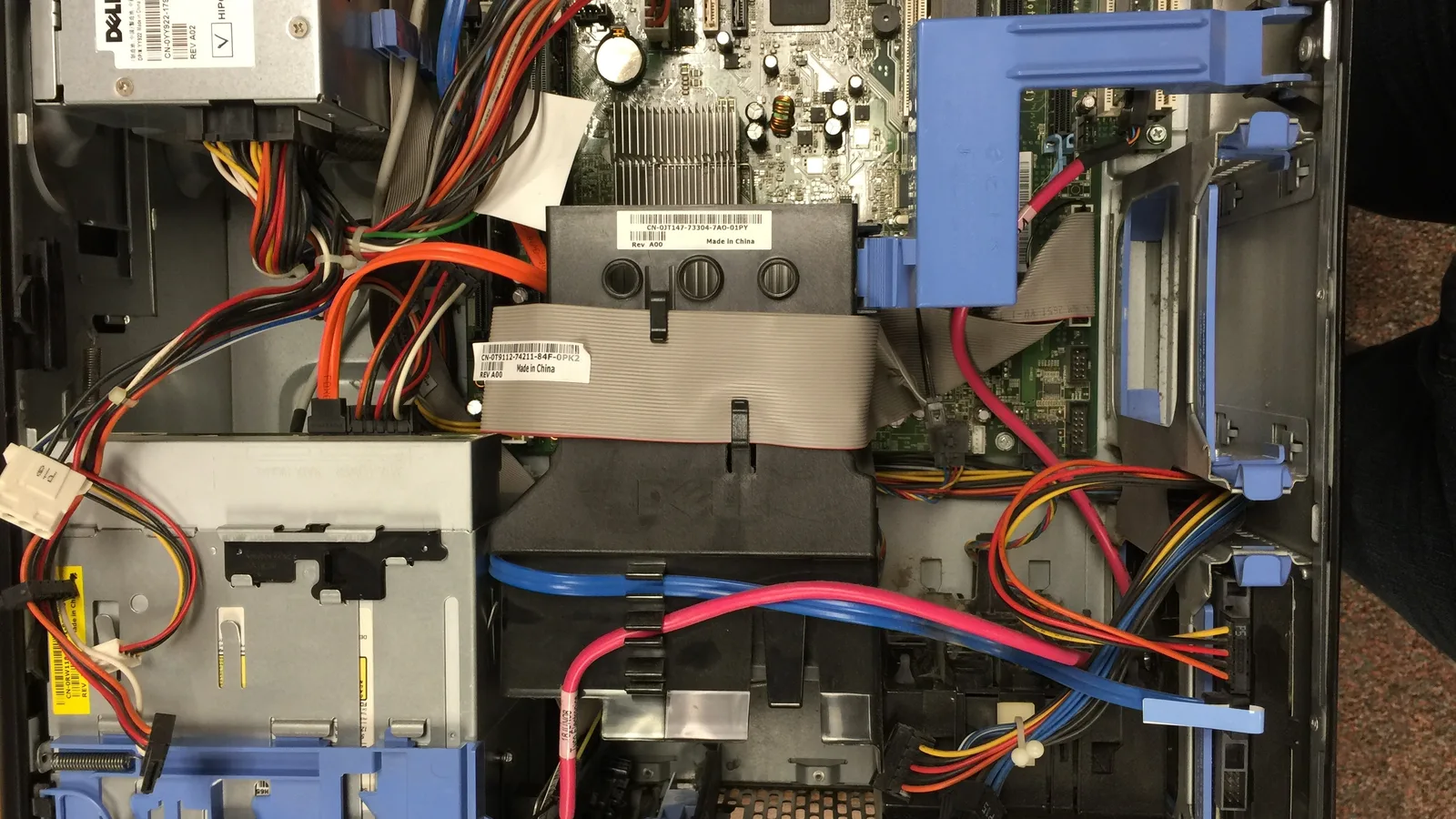
The ChatGPT Dots components are worth separating out, because always-on agent describes what a dot feels like rather than what it is made of. A dot is an assembly of seven parts, and almost every question people ask about cost, privacy and control turns out to be a question about one specific part. This guide takes the assembly apart using what OpenAI has published, and says plainly where a part is documented only in outline.
Updated October 2026. Dots launched on 29 September 2026 and are rolling out gradually, so check OpenAI own pages for the current position before relying on any detail here.
The model underneath
Every dot is powered by GPT-6 Astra, the model OpenAI introduced on 3 September 2026 and describes as its strongest for computer use and browsing. That choice is not incidental. A dot spends its time operating software rather than writing prose, so the capability that matters is the one its harness leans on hardest. Our explainer on GPT-6 Astra covers the model itself; what follows is the machinery built around it.
The cloud computer and browser
A dot has its own cloud computer and its own browser. This is the component that makes the rest possible: because the machine belongs to the dot rather than to you, work continues when your laptop is closed or offline. You can open that computer at any time to inspect what it is doing.
Access to your own machine is a separate, optional component that starts turned off. Connecting it requires the ChatGPT desktop app on that computer, and the machine has to stay online with the app open. Work done there runs as separate tasks rather than inside the cloud session. We cover this part in detail in our guide to the dots cloud computer.
Connected apps and plugins
A dot reaches the outside world through the OpenAI plugin ecosystem, which the announcement describes as connecting to over 4,000 apps. You choose which apps to connect and review the permissions of each one before connecting it, and the plugins screen uses shared ChatGPT settings rather than a separate set for the dot.
One behaviour here surprises people. Disconnecting an app does not delete information the dot has already taken from it. The Help Center is explicit that removing that information means deleting the dot itself.
Memory
A dot inherits memories from ChatGPT and also forms its own, including from connected apps, and it can do that without being asked a question. Memory is what turns a sequence of requests into ongoing work, and it is also the component with the least granular control: there is no per-memory delete for the notes a dot makes itself, only Reset, which removes the dot along with its conversations, memories and scheduled tasks.
The time budget and subagents
Two components appear only in Appendix B of the GPT-6 Astra system card. The first is a time-budget setting that guides how long a dot works on something. OpenAI tested alignment at simulated budgets of four minutes, thirty minutes, four hours and one year, which gives a sense of the range the setting is meant to cover. The second is subagents: the appendix states that a dot often delegates work to them. That makes a single dot a small multi-agent system rather than one process.
The rules and review layer
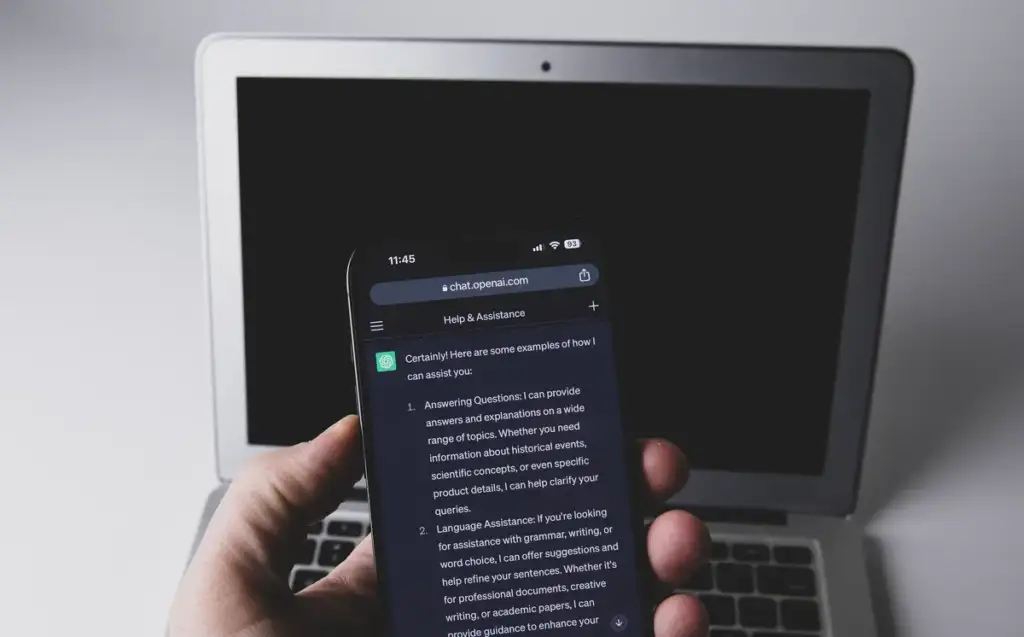
The control component has two halves. Custom Rules let you say, for an action you describe, whether the dot should act without asking, act only if you pre-approved it, ask first, or hand the job back to you. Auto-review is the half you do not configure: a separate model checks actions that could affect your accounts or share information, and some tasks, such as changing a password, always stay with you.
Rules cannot override built-in safeguards, and OpenAI notes that turning custom rules off does not make every action require approval. Our guide to dots custom rules works through the four behaviours and what each one means in practice.
The channels
The last component is how you reach the dot: ChatGPT on desktop, web and mobile, plus Slack and Microsoft Teams, with texting in limited beta. Context carries across all of them. One asymmetry is worth knowing at the outset, because it shapes how you work with a dot: it can message you, but it cannot start a call to you at launch. Our guide to dots in Slack and Teams covers each channel and its limits.
How the ChatGPT Dots components fit together
Listing the parts is only half the picture. What makes a dot behave differently from a chat window is the loop they form. The model decides what to do next; the cloud computer and browser give it somewhere to do it; the connected apps supply the context; memory carries that context forward so the next decision is better informed; the time budget decides how long the loop may run; and the rules layer sits across the whole thing deciding which steps need you.
Reading it as a loop explains the behaviour people find surprising. A dot forms memories from apps without being asked because memory feeds the next pass of the loop, not because it is filing things away for its own sake. It works when your laptop is closed because the loop runs on its own machine. And it asks for approval at odd-looking moments because the rules layer is evaluating individual actions rather than whole tasks.
Which parts you can actually control
Separating the components this way makes the control surface clear, and it is smaller than the parts list:
- You choose which apps are connected, what the rules say, whether your own computer is reachable, which channels are set up, and when the dot is paused or reset.
- Your administrator chooses, in a workspace, whether dots exist at all and which cloud capabilities they have.
- Nobody configures the model, auto-review, the built-in safeguards, the time budget or the use of subagents. These are set by OpenAI.
That last row is the one worth sitting with. Several of the ChatGPT Dots components that most affect how an agent behaves are not settings at all, which is why reading the system card matters as much as reading the settings screen.
Common questions
What are the main ChatGPT Dots components? A GPT-6 Astra model, a cloud computer with its own browser, connected apps through plugins, memory, a time budget, subagents, a rules and review layer, and the channels you reach it through.
Does a dot run on my own computer? Not by default. It has its own cloud computer, and access to your machine is optional and starts turned off.
Can I delete a single memory a dot formed? No. OpenAI documents Reset, which deletes the dot along with its conversations, memories and scheduled tasks, as the way to remove them.
What is a subagent? Appendix B of the GPT-6 Astra system card says dots often delegate work to subagents. OpenAI has not published a user-facing control for them.
Is the time budget something I set myself? The system card describes a time-budget setting that guides how long a dot works. No user-facing control for it has been documented, so treat the detail as provisional.
Sources and further reading
Where the figures and rules above come from, so you can check them:
- The announcement, including proactive research and the control model: OpenAI, Introducing dots
- Setup, connected apps, scheduling, memory, rules and reset: OpenAI Help Center, Getting started with your dot
- Appendix B, the red-teaming and alignment results for dots: OpenAI, GPT-6 Astra system card
- Everything else announced alongside dots: OpenAI, DevDay 2026 Recap
Photo credits: Computer motherboard 6 by Kurt Kaiser, CC0, via Wikimedia Commons. Printed Circuit Board 9990 by Ashley Pomeroy, CC BY 4.0, via Wikimedia Commons. Smartphone with ChatGPT app (52917381673) by Jernej Furman from Slovenia, CC BY 2.0, via Wikimedia Commons.

Join the discussion