
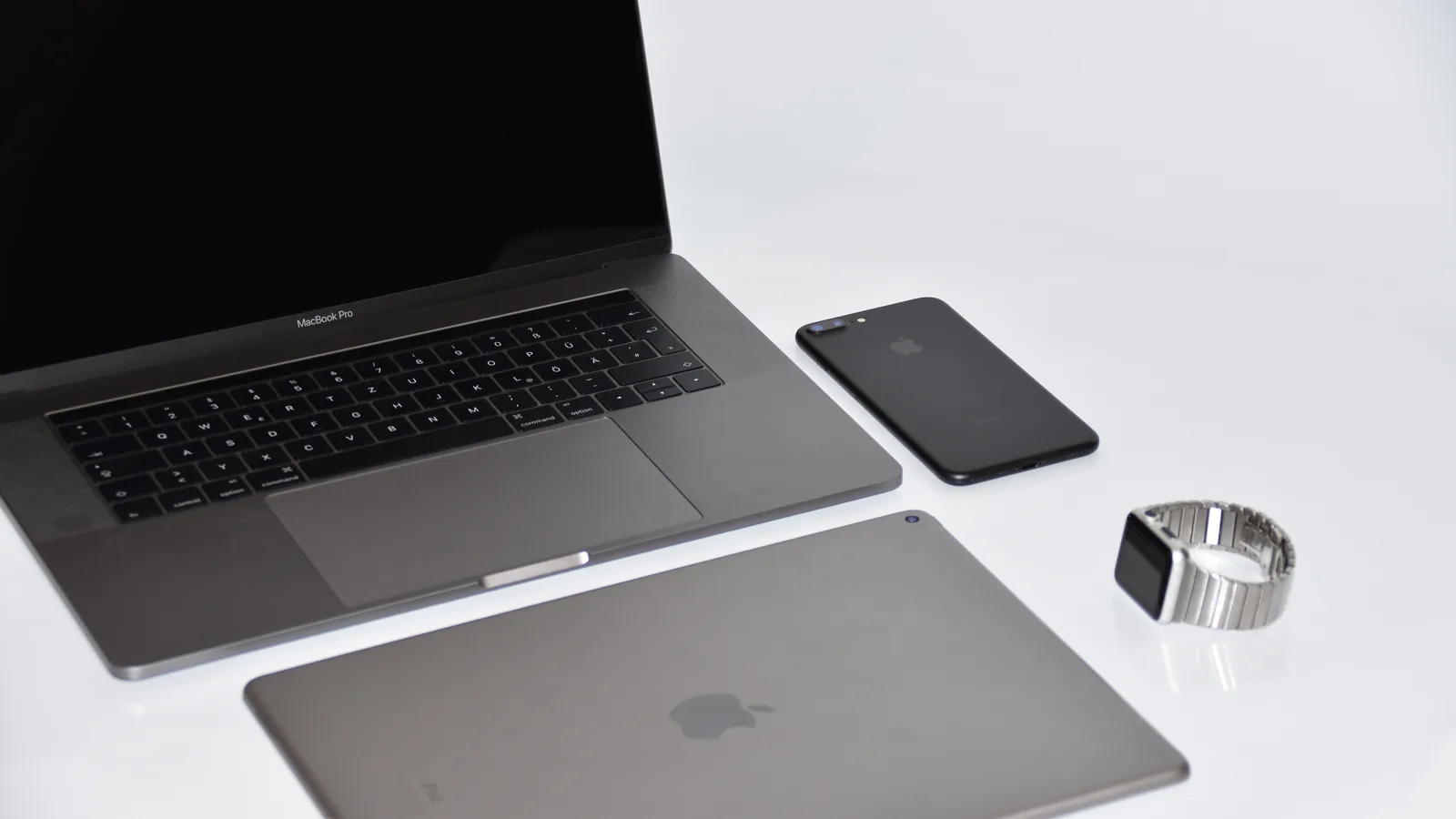
After years of Apple executives saying it would not happen, a touchscreen MacBook Pro exists. It arrived in October 2026 alongside the M6 model, it uses a completely new kind of screen, and it is not the laptop most people assume it is. Here are eight facts, from Apple own pages.
Updated October 2026. Prices and configurations change, so check the manufacturer pages linked at the end before you buy anything.
1. It is called the PROLED XDR display
Apple did not add touch to the existing MacBook Pro. It built a separate screen and a separate model line around it, called the PROLED XDR display.
Apple says the touch sensor is built directly into the display panel rather than laid on top of it as a separate layer. That matters for thickness and for how bright the screen can be, because every extra layer absorbs light.
2. The screen is OLED, not mini-LED
This is the real story, and touch is almost a side effect of it.
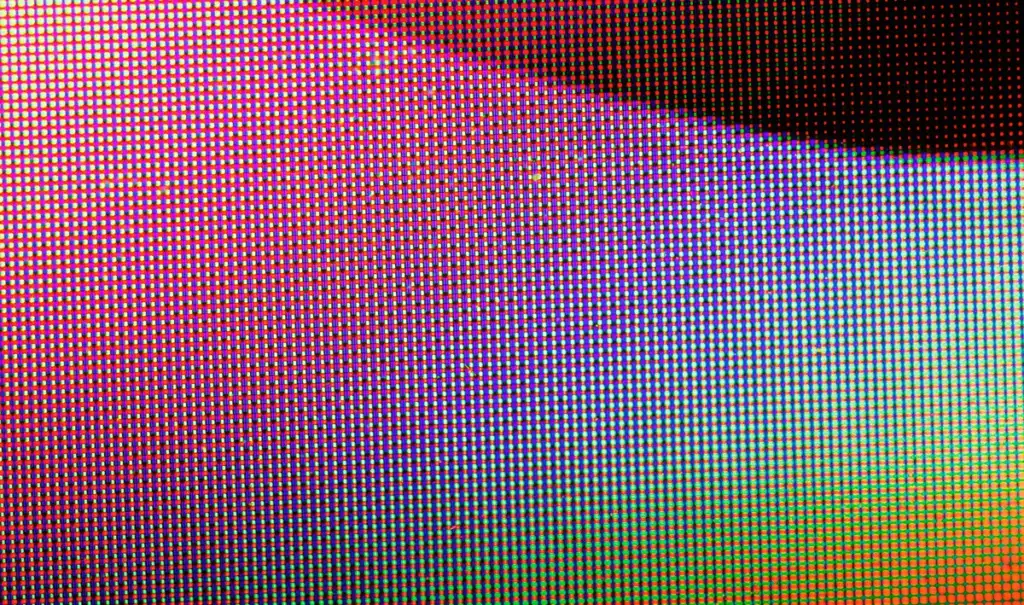
The standard MacBook Pro uses a mini-LED screen, where a grid of small backlights sits behind the picture. The touchscreen MacBook Pro uses tandem OLED, where each pixel makes its own light and two OLED layers are stacked to get brighter without burning out.
- Up to 1000 nits sustained full screen brightness.
- Up to 2000 nits peak brightness, for both HDR and SDR content.
- A 10,000,000 to 1 contrast ratio, against 1,000,000 to 1 on the mini-LED panel.
- P3 and Adobe RGB wide colour gamuts.
- ProMotion from 10Hz to 120Hz, which drops the refresh rate right down on a still image to save power.
The 2000 nits figure applying to SDR as well as HDR is unusual. Most bright screens only reach their peak on HDR content in small highlights.
3. It runs M5 Pro and M5 Max, not M6
Here is the fact that confuses almost everyone. The newest screen does not come with the newest chip.
The touchscreen MacBook Pro uses the M5 Pro or the M5 Max. The M6 is offered only in the 14 inch Liquid Retina XDR model. So this month Apple sells its newest silicon and its newest display in two different laptops.
- M5 Pro: up to an 18 core CPU, up to a 20 core GPU, up to 64GB of unified memory.
- M5 Max: up to an 18 core CPU, up to a 40 core GPU, up to 128GB of unified memory.
For heavy work that is the right way round. The M5 Max takes four times the memory of the M6 and moves it far faster. But if you wanted the newest chip and a touchscreen in one machine, you cannot have both today.
4. Two sizes, and one of them is new
Apple offers the touchscreen MacBook Pro at 14.2 inches and 16.3 inches. The second figure is worth noticing. The mini-LED 16 inch model is 16.2 inches, so the OLED model is very slightly larger.
A tenth of an inch is not something you will see. It does suggest the panel is genuinely a new part rather than the old one with a touch layer added, which matches what Apple says about the sensor being inside the display.
5. Battery life holds up
OLED screens have a reputation for drinking power, mostly earned on phones showing bright white pages. Apple quotes up to 24 hours of battery life for the touchscreen MacBook Pro.
The page does not break that into video streaming and web browsing the way the mini-LED spec page does, so treat 24 hours as the gentle end of the range. Apple footnote describes testing a preproduction 16 inch PROLED machine with M5 Pro in September 2026, using the same wireless web and video streaming methods.
The refresh rate dropping to 10Hz is part of how that works. A page you are reading rather than scrolling can be redrawn ten times a second instead of a hundred and twenty.
Battery figures only mean something with the test attached. Apple measures video streaming by playing 1080p content in Safari, and wireless web by browsing 25 popular websites, both with the screen 8 clicks from the bottom. Microsoft measures video by playing a 1080p file in Windows Media Player at 150 nits, and web browsing across twelve popular sites in multiple tabs. Those are different tests, so the hours are not directly comparable.
6. The ports are better than on the M6 model
The touchscreen MacBook Pro has three Thunderbolt 5 ports, HDMI, MagSafe 3, an SDXC card slot and a headphone jack, with Wi-Fi 7 and Bluetooth 6.
Thunderbolt 5 runs at up to 120Gb/s against 40Gb/s for the Thunderbolt 4 ports on the M6 model. That is three times the throughput, which matters for external drives and for driving several displays at once.
So the more expensive model is ahead on ports as well as on screen and memory. That is at least consistent, which is not always true of laptop line-ups.
7. Nobody has published the price, including Apple
This is the honest gap in this article. Apple pages checked for this piece do not list a price for the PROLED models.
MacRumors reported pricing starting at $2,899 for the 14 inch and $3,399 for the 16 inch. That is a news report, not an Apple figure, and it should be treated that way until Apple publishes its own.
For scale, the 14 inch MacBook Pro with M6 starts at $1,999, and Microsoft Surface Laptop Ultra starts at $2,599.99. So the touchscreen MacBook Pro is the most expensive mainstream laptop of the three by a clear margin. Our MacBook Pro M6 price guide sets out the cheaper end of the same line.
8. What a touchscreen MacBook Pro changes day to day
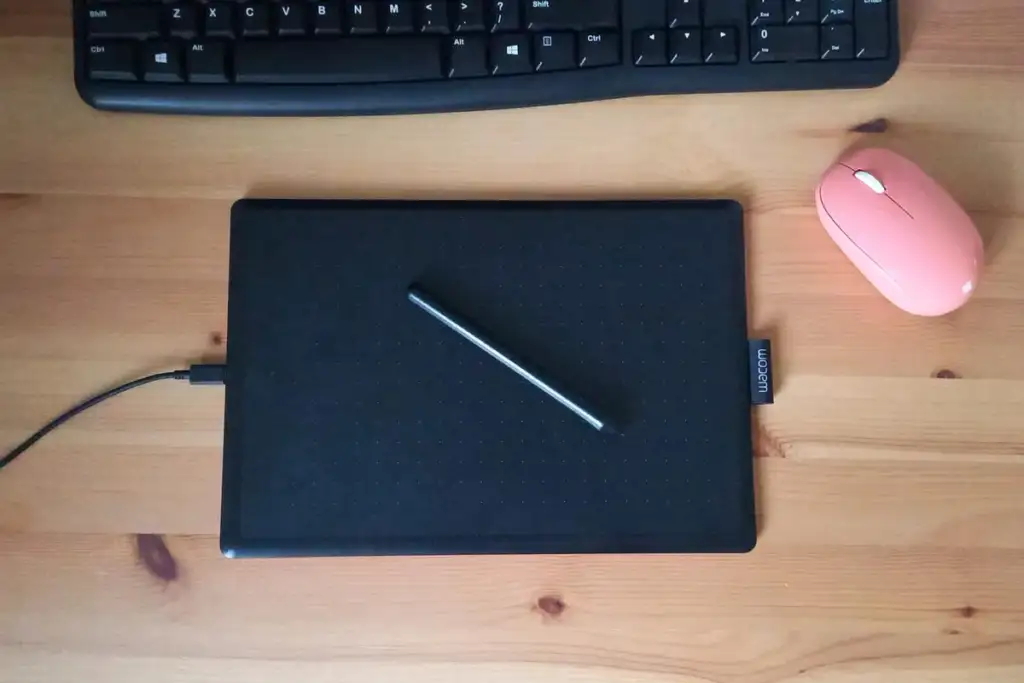
Windows laptops have had touchscreens for over a decade. Most people who own one use it rarely. The screen is vertical, your arm has to leave the keyboard, and the trackpad is usually faster.
Apple arriving late does not change that geometry. What it does change is software. macOS has never had touch targets sized for fingers, and Apple has not said how it is handling that on the pages read here.
So the sensible expectation is a screen you occasionally poke, not a new way of working. The reason to want this laptop is the OLED panel. Touch is a bonus.
What you are actually paying for
Strip away the novelty and the touchscreen MacBook Pro offers four upgrades over the M6 model.
- A better screen. Ten times the contrast ratio and 2000 nits against 1600.
- More memory. Up to 128GB against 32GB.
- Faster ports. Thunderbolt 5 against Thunderbolt 4.
- A 16 inch option, which the M6 model does not offer at all.
Touch is fifth on that list, which is a strange thing to say about a touchscreen laptop and is also the most useful summary of it.
Who should buy a touchscreen MacBook Pro
Three groups, and one that should wait.
- Colour professionals. Per pixel light and Adobe RGB coverage are the point, and 2000 nits of SDR brightness is rare.
- People who need 64GB or more. The M6 cannot do it, so you are in this part of the line regardless of the screen.
- Anyone running several external displays. Thunderbolt 5 and the M5 Max display limits both help.
- Everyone curious about touch. Wait for the second generation, when macOS has had a year to adapt and the M6 generation reaches this screen.
What tandem OLED actually means
The word tandem is the whole trick, so it is worth one paragraph.
In a normal OLED screen, each pixel is a tiny light that makes its own colour. That gives perfect blacks, because a black pixel is simply off. The weakness is brightness: push an OLED pixel hard enough for long enough and it degrades.
A tandem OLED stacks two complete OLED layers on top of each other. Each layer does half the work to reach the same brightness, so neither is stressed, and together they reach brightness levels a single layer could not survive. Apple has used the same approach in iPad Pro.
That is how a touchscreen MacBook Pro reaches 2000 nits of peak brightness and keeps a 10,000,000 to 1 contrast ratio at the same time. Mini-LED cannot match the contrast because its backlights cover groups of pixels rather than single ones.
Burn-in, and whether to worry
OLED burn-in is real. It happens when part of an image stays on screen so long that those pixels age faster than the rest, leaving a faint permanent shadow.
On a laptop the risk points are obvious: the menu bar, the dock, and whatever application you leave open all day. Phones solved this years ago with small pixel shifts and brightness management, and tandem construction helps directly, because each layer is working at half intensity.
Apple does not discuss burn-in on the pages read for this article. The sensible position is that it is much less likely than it was five years ago and not impossible, and that hiding the dock costs you nothing.
How the two sizes differ
Apple offers the touchscreen MacBook Pro at 14.2 inches and 16.3 inches, and the difference is more than diagonal measurement.
- The 16 inch body holds a much larger battery. On the mini-LED models that is 100 watt hours against 72.4, and it is the reason the big machines match the small ones on battery life despite brighter screens.
- Larger bodies move heat better, so sustained performance under long loads is usually higher.
- The 16 inch machine is considerably heavier, which matters if it lives in a bag rather than on a desk.
If the laptop spends most of its life plugged into a monitor, buy the small one. If it is your only screen, the large one earns its weight.
What to check if you see one in a shop
Five minutes with the machine tells you more than any review, and these are the things to actually look at.
- Find a near black scene. OLED contrast is the reason to buy this screen, and shop lighting hides it unless you look for dark content.
- Touch it, then stop touching it. Notice how often you naturally reach up over ten minutes of real work. For most people the honest answer is rarely.
- Check for glare. OLED panels are usually glossy, and the nano-texture option Apple offers on mini-LED models is not listed for these.
- Scroll fast, then read something still. ProMotion ranges from 10Hz to 120Hz and you should see neither the change nor any flicker.
- Pick it up. The 16 inch model is a genuinely large object.
Why Apple changed its mind about touch
Apple executives spent a decade saying a touchscreen Mac made no sense, usually with the argument that reaching up to a vertical screen is tiring.
That argument has not been refuted, and this product does not really refute it. What changed is the screen technology. Building a touch sensor into an OLED panel costs almost nothing once the panel exists, so touch arrives as a consequence of a display upgrade rather than as the point of it.
Which is why the sensible way to judge a touchscreen MacBook Pro is as an OLED MacBook Pro that also happens to respond to fingers. If you evaluate it as a touch device, you will probably be disappointed. If you evaluate it as a screen, it is the best Apple has put in a laptop.
What this means for the rest of the line
One new screen in one model is also a signal about where Apple is going, and the direction is not subtle.
Apple has now shipped tandem OLED in iPad Pro and in a MacBook Pro. Panel technology moves down product lines as it gets cheaper, which is how mini-LED reached the MacBook Pro in the first place. The MacBook Air still uses a 500 nit LED panel, and that is the obvious next place for this to arrive.
So the question for anyone deciding today is not whether OLED Macs are coming. It is whether you want the first generation of one, at the first generation price, with the previous generation chip inside it.
The short version
Everything above, in five lines.
- A touchscreen MacBook Pro exists, in 14.2 inch and 16.3 inch sizes.
- The screen is tandem OLED, up to 2000 nits, with a 10,000,000 to 1 contrast ratio.
- It runs M5 Pro or M5 Max, not the newer M6.
- Three Thunderbolt 5 ports, Wi-Fi 7, Bluetooth 6 and up to 24 hours of battery.
- Apple has not published a price. MacRumors reported $2,899 and $3,399.
Common questions
Does the MacBook Pro have a touchscreen now? Yes. Apple sells PROLED XDR models in 14.2 inch and 16.3 inch sizes with a touch sensor built into the display panel. The standard Liquid Retina XDR models are not touch.
What is a PROLED XDR display? It is Apple name for a tandem OLED screen, where two OLED layers are stacked so the panel can reach 2000 nits peak brightness with a 10,000,000 to 1 contrast ratio.
Does the touchscreen MacBook Pro use the M6 chip? No. It uses the M5 Pro or M5 Max. The M6 is only offered in the 14 inch Liquid Retina XDR model.
How much does the touchscreen MacBook Pro cost? Apple has not published a price on the pages checked here. MacRumors reported a start of $2,899 for the 14 inch and $3,399 for the 16 inch.
Is a touchscreen useful on a laptop? Less than most people expect. The screen is vertical and the trackpad is usually quicker, which is why Windows touchscreen laptops are mostly used without touch.
Sources and further reading
Where the figures and rules above come from, so you can check them:
- The MacBook Pro overview, including the PROLED touch models: Apple, MacBook Pro
- What Apple says about the tandem OLED touch display: Apple, PROLED XDR display
- Every published MacBook Pro specification, by configuration: Apple, MacBook Pro tech specs
- Launch date, the mini-LED description and the price comparison: MacRumors
Photo credits: MacBook Pro Retina 003 by SimonWaldherr, CC BY-SA 4.0, via Wikimedia Commons. LG gram Pro 16 (2024) 16Z90SPG OLED DISPLAY RGB DOT MATRIX, OLED PANEL MADE BY SAMSUNG DISPLAY by Dinkun Chen, CC BY-SA 4.0, via Wikimedia Commons. Touchscreen information kiosks by Jaman Md, CC BY-SA 4.0, via Wikimedia Commons. Minimalistic workspace with tablet by Spnq, CC0, via Wikimedia Commons. Polarised Light from a Laptop Screen by Tim Sheerman-Chase, CC BY 2.0, via Wikimedia Commons.



Join the discussion