

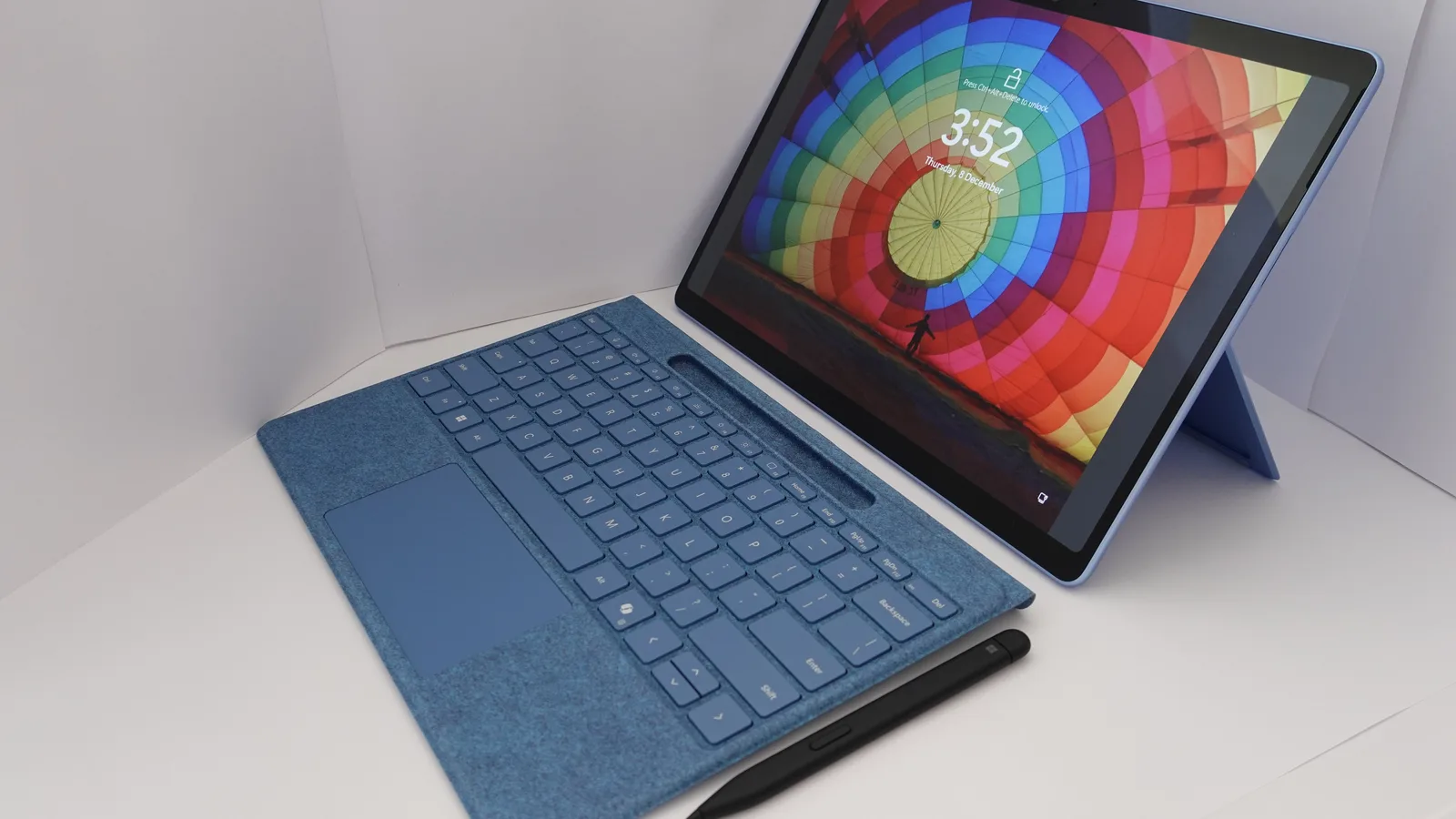
The Surface Laptop Ultra price starts at $2,599.99 in the United States. That is the only price Microsoft publishes on its product page, which is unusual for a machine that can be configured five times over. Here is what the money buys, what Microsoft leaves out, and how it compares.
Updated October 2026. Prices and configurations change, so check the manufacturer pages linked at the end before you buy anything.

1. What $2,599.99 includes
The entry Surface Laptop Ultra is not a stripped machine. It carries the same chip, screen and body as the rest of the line.
- An NVIDIA RTX Spark Superchip, with Blackwell RTX graphics and an Nvidia Grace CPU.
- 24GB of unified memory, which is the smallest option offered.
- 512GB of SSD storage.
- A 15 inch 120Hz touchscreen reaching up to 2,000 nits of peak HDR brightness.
- Three USB-C ports with USB4, a USB-A port, HDMI, an SD card reader and a headphone jack.
- A 140W power adapter and a magnetic USB-C charging port.
Starting at 24GB rather than 16GB is worth noting. Most Windows laptops at this price start lower, and memory is not upgradeable afterwards on a machine like this.
2. The configurations Microsoft lists, and the prices it does not
Microsoft states the options clearly and the costs not at all.
- Memory: 24GB, 32GB, 48GB, 64GB or 128GB of unified memory.
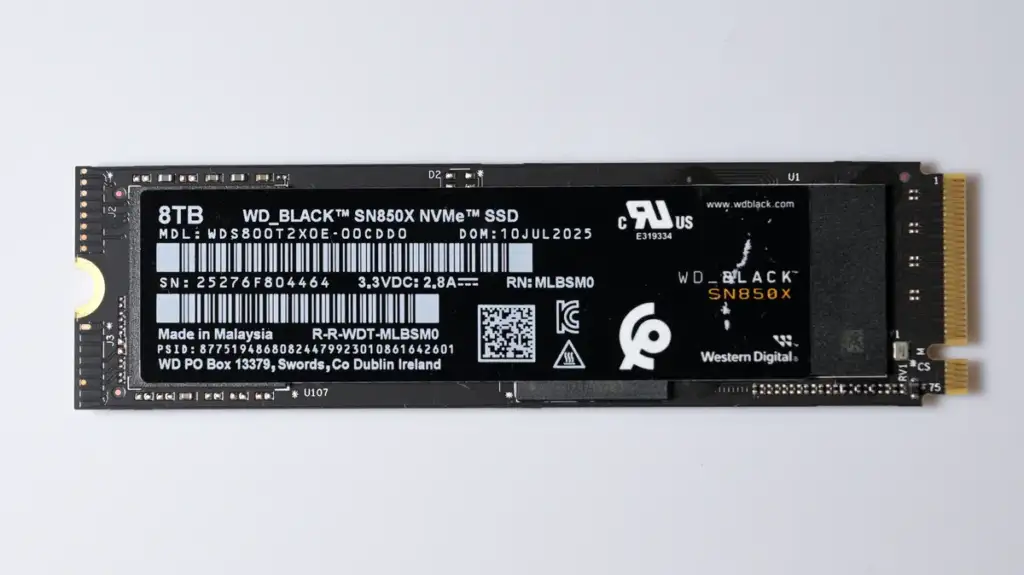
- Storage: 512GB up to 2TB.
Microsoft publishes no price for any configuration above the base one, and no price for the 128GB model at all. Third party sites have reported figures for the top machine, but those are not Microsoft numbers and this article is not going to repeat one as though it were.
The practical advice is simple: the Surface Laptop Ultra price you see quoted anywhere is almost certainly the $2,599.99 entry figure, and the machine you actually want may cost considerably more. Configure it in the store before you budget.
3. The trade-in offer is real money
Microsoft product page carries a banner reading “Break up with your MacBook and get up to $1,000”. The footnote dates the promotion between 7 October 2026 and 23 November 2026.
Up to is doing the usual work there. A trade-in value depends on the model and its condition, and $1,000 will be the figure for a recent, high specification machine in good order.
Still, on a $2,599.99 laptop a trade-in of even a few hundred dollars changes the comparison with a MacBook meaningfully. It is the one lever on this price that is available today rather than in six months.
4. How the Surface Laptop Ultra price compares
Three comparisons are worth having in front of you.
- Against the rest of the Surface line. The mainstream Surface Laptop starts at $1,199.99 for 13 inch, $1,399.99 for 13.8 inch and $1,699.99 for 15 inch. The Ultra is roughly 1.5 times the most expensive of those.
- Against the entry MacBook Pro. The 14 inch MacBook Pro with M6 starts at $1,999, so the Ultra is $600 more.
- Against the large MacBook Pro. MacRumors noted the $2,599 figure undercuts Apple $2,999 16 inch MacBook Pro.
So Microsoft has priced this below Apple largest laptop and above Apple smallest professional one. That is a deliberate position, and the trade-in banner tells you exactly who it is aimed at.
5. Whether it is worth the money
The case for the Surface Laptop Ultra price rests on three things that are hard to buy elsewhere at any price.
- Up to 128GB of unified memory attached to capable Nvidia graphics. Workstation laptops with discrete graphics usually give the GPU 8GB or 16GB of its own memory. This is a different architecture and for large AI models it is a genuine advantage.
- A 2,000 nit peak HDR screen. Microsoft claims the brightest peak HDR of any laptop, measured over a 10 percent window against machines available in October 2026.
- Windows. If your work requires Windows, no amount of Apple silicon helps you.
The case against is equally concrete. It runs Windows on Arm, so x86 software is emulated through Prism and some of it will not run. Battery life is up to 15 hours of video playback against 24 hours on the MacBook Pro M6. And pen input is not supported, on a Surface.
What you give up by buying down the line
If $2,599.99 is too much, the mainstream Surface Laptop is a real alternative rather than a consolation prize.
- It uses Snapdragon X2 processors rather than the Nvidia chip.
- Battery life is much longer: up to 22.5 hours of local video playback on the 13 inch model.
- Screens are LCD rather than the Ultra panel, and reach 120Hz on the 13.8 inch and 15 inch sizes.
- It costs between $1,199.99 and $1,699.99.
For ordinary work that is the better buy by a wide margin. Our Surface Laptop 8 guide sets out what each size gives you.
A note on how to read laptop prices
Three habits save money on any machine in this class, not just this one.
- Price the configuration you will actually buy. Starting prices are marketing. The 64GB model is the real purchase for many buyers.
- Check what is not upgradeable. Memory and storage are soldered on most thin laptops, so the decision is permanent.
- Count the accessories. This one at least includes a 140W charger rather than selling it separately.
Which configuration to actually buy
Since Microsoft publishes only the entry price, the useful question is which configuration to aim at before you see the numbers in the store.
- 24GB and 512GB, $2,599.99. Fine for ordinary professional work, and an odd purchase at this price, because ordinary professional work does not need this chip.
- 32GB or 48GB. The sensible middle. Room for large projects and a model loaded at the same time.
- 64GB. The configuration Microsoft itself used for its published battery tests, which is a quiet hint about where the line sits.
- 128GB. For people loading very large models, and the only reason to choose this machine over everything else on the market.
Storage is a smaller decision because an external Thunderbolt or USB4 drive works well for archives. Memory has no equivalent escape route.
The real cost of memory you cannot add later
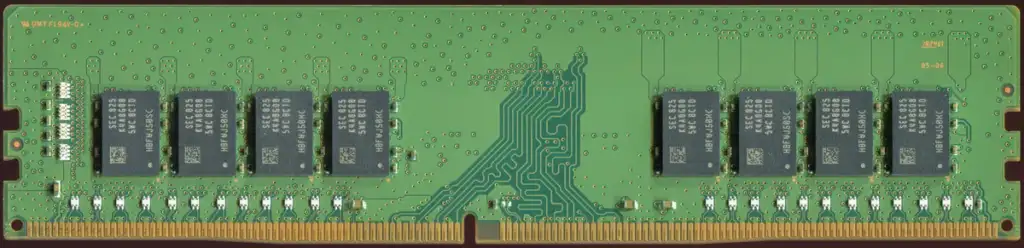
On a machine like this, memory is soldered to the board. There is no upgrade in two years when your needs grow. That makes the memory decision permanent in a way that very few other purchases are.
A useful way to think about it: the difference between 32GB and 64GB spread over four years of ownership is usually a few dollars a week. The difference between being able to load your model and not being able to is total.
The opposite error exists too. Buying 128GB because it is the biggest number wastes real money if your largest model needs 30GB. Find out what you actually load before you choose.
What the price says about the market
At $2,599.99, the Surface Laptop Ultra sits in a part of the market that barely existed three years ago: thin laptops sold specifically for AI work.
That category is why the comparisons are awkward. Against ordinary premium laptops it looks expensive and short on battery. Against mobile workstations it looks light and well equipped with memory. It is not really competing with either.
Microsoft trade-in banner aimed at MacBook owners tells you which comparison it wants you to make. Our Surface against MacBook comparison tests whether that framing survives contact with the specifications.
Buying for a business
Most machines at this price are bought by companies rather than individuals, and the arithmetic is different.
- Volume pricing. List price is a starting point for business purchases, not a fixed number.
- Support terms. Next business day replacement is worth more than a few hundred dollars of hardware to a team that cannot lose a day.
- Management. Windows machines slot into existing device management without extra tooling, which is often the real reason a Windows laptop wins over a Mac.
- Depreciation. A business writes the cost down over several years, which changes how a $2,599.99 purchase looks against a $1,999 one.
If you are buying one machine for yourself, none of that applies and the list price is the price.
A plain buying checklist
Work down this list and the Surface Laptop Ultra price either justifies itself or it does not.
- Do you need more than 32GB of memory attached to capable graphics? If no, almost nothing here is for you.
- Does your software run on Windows on Arm? Check all five of the programs you rely on.
- Can you live with 12 hours of browsing? The mainstream Surface Laptop quotes 18.
- Do you need pen input? It is not supported.
- Is there a trade-in you can use before 23 November 2026?
Four yes answers and a no to pen input, and this is the machine. Any other pattern and something cheaper will serve you better.
What could change the price
Three things reliably move laptop prices after launch, and two of them are worth waiting for.
- Retail discounting. Third party sellers discount flagship laptops within a few months, often by several hundred dollars.
- Configuration shuffles. Manufacturers quietly add a cheaper entry model once demand settles. Microsoft has done exactly that lower down the Surface line, where 8GB configurations have been reported at $949.99 against $1,199.99 for the standard 13 inch model.
- A new generation. Not worth waiting for, because the replacement is always a year away and then another year away.
Why Microsoft publishing one price is a problem
It is worth being direct about this, because it is unusual and it affects you.
A product page that lists five memory options and two storage options, and one price, leaves a buyer unable to budget. You cannot compare it with a MacBook Pro configured to the same memory, because you do not know what that costs. You cannot tell whether the step from 64GB to 128GB is three hundred dollars or fifteen hundred.
Apple is only slightly better here. It publishes a starting price and, on the pages checked for this article, no upgrade prices either. Both companies expect you to configure in the store before you learn the number.
The practical defence is to build the exact machine you want in the online store first, write the total down, and only then start comparing. Starting prices are for headlines.
Comparing like with like
If you want a fair comparison against Apple at the same memory, the pairing is not the one the marketing suggests.
- Surface Laptop Ultra at 128GB compares with a MacBook Pro with M5 Max at 128GB, not with the 32GB MacBook Pro M6.
- Surface Laptop Ultra at 24GB or 32GB compares with the MacBook Pro M6 at $1,999, and at that level Apple is cheaper and lasts longer on battery.
In other words, the Surface Laptop Ultra price looks worst at the bottom of its range and best at the top, which is the opposite of how most laptop lines work and is worth knowing before you compare entry models.
What a laptop at this price should include
Five things are reasonable to expect at $2,599.99, and this machine delivers four of them.
- A charger in the box. Yes, a 140W adapter.
- A full port selection. Yes, including USB-A, HDMI and an SD reader.
- An excellent screen. Yes, up to 2,000 nits peak HDR at 120Hz.
- Generous memory as standard. Yes, 24GB rather than 16GB.
- All day battery. Not really. Twelve hours of browsing is good, and it is not what a flagship costing this much usually promises.
Four out of five at the top of the market is a fair result. The missing one is the one you will notice every day.
A sanity check before you order
Three figures are worth writing down side by side before any purchase at this level, because they are the ones people forget between browsing and buying.
- The configuration total, not the starting price. Build it in the store and write down the number including tax.
- The trade-in value you will actually receive, which depends on the condition of the machine you are replacing.
- What the equivalent MacBook Pro costs at the same memory, which is a different comparison from the one the marketing invites.
Those three numbers together tell you whether this is a considered purchase or an expensive impulse. The starting price on its own tells you very little.
One last point on timing. Launch prices on flagship laptops are the highest they will be. Retailers discount within months, and a trade-in promotion is running now. Neither of those is a reason to rush, and both are reasons to know what the machine costs before the window closes on 23 November 2026.
The short version
Everything above, in five lines.
- The Surface Laptop Ultra price starts at $2,599.99 for 24GB and 512GB.
- Configurations run to 128GB of memory and 2TB of storage.
- Microsoft publishes no price above the entry model.
- A trade-in promotion offers up to $1,000 until 23 November 2026.
- It is $600 above the MacBook Pro M6 and below Apple 16 inch machine.
Common questions
How much is the Surface Laptop Ultra? It starts at $2,599.99 with 24GB of unified memory and 512GB of storage. Microsoft does not publish prices for higher configurations.
What is the most expensive Surface Laptop Ultra? The top configuration has 128GB of unified memory and 2TB of storage. Microsoft does not publish its price on the product page.
Is the Surface Laptop Ultra cheaper than a MacBook Pro? It is more expensive than the $1,999 14 inch MacBook Pro with M6, and MacRumors reported that it undercuts the $2,999 16 inch MacBook Pro.
Does the Surface Laptop Ultra price include a charger? Yes. Microsoft lists a 140W USB-C power adapter, and the machine has a magnetic USB-C charging port.
Can I get money off with a trade-in? Microsoft advertised up to $1,000 for trading in an old machine, with the promotion running from 7 October to 23 November 2026.
Sources and further reading
Where the figures and rules above come from, so you can check them:
- Microsoft own page for the Surface Laptop Ultra, including the footnotes: Microsoft, Surface Laptop Ultra
- Prices, screen sizes and battery figures for the Surface Laptop line: Microsoft, Surface Laptop
- Launch date, the mini-LED description and the price comparison: MacRumors
- The Intel business variant, and the 8GB configurations: Tom’s Hardware
Photo credits: Notebook computer by KK IN HK, CC BY-SA 4.0, via Wikimedia Commons. Cello computer store South Dunedin, 17 Dec 2025 by Andykatib, CC0, via Wikimedia Commons. 16 GiB-DDR4-RAM-Riegel RAM019FIX Small Crop 90 PCNT by PantheraLeo1359531, CC BY 4.0, via Wikimedia Commons. Western Digital SN850X NVME solid state drive 8TB front side by 4300streetcar, CC BY 4.0, via Wikimedia Commons. Future Systems office desk, V&A London by 14GTR, CC0, via Wikimedia Commons.



Join the discussion