

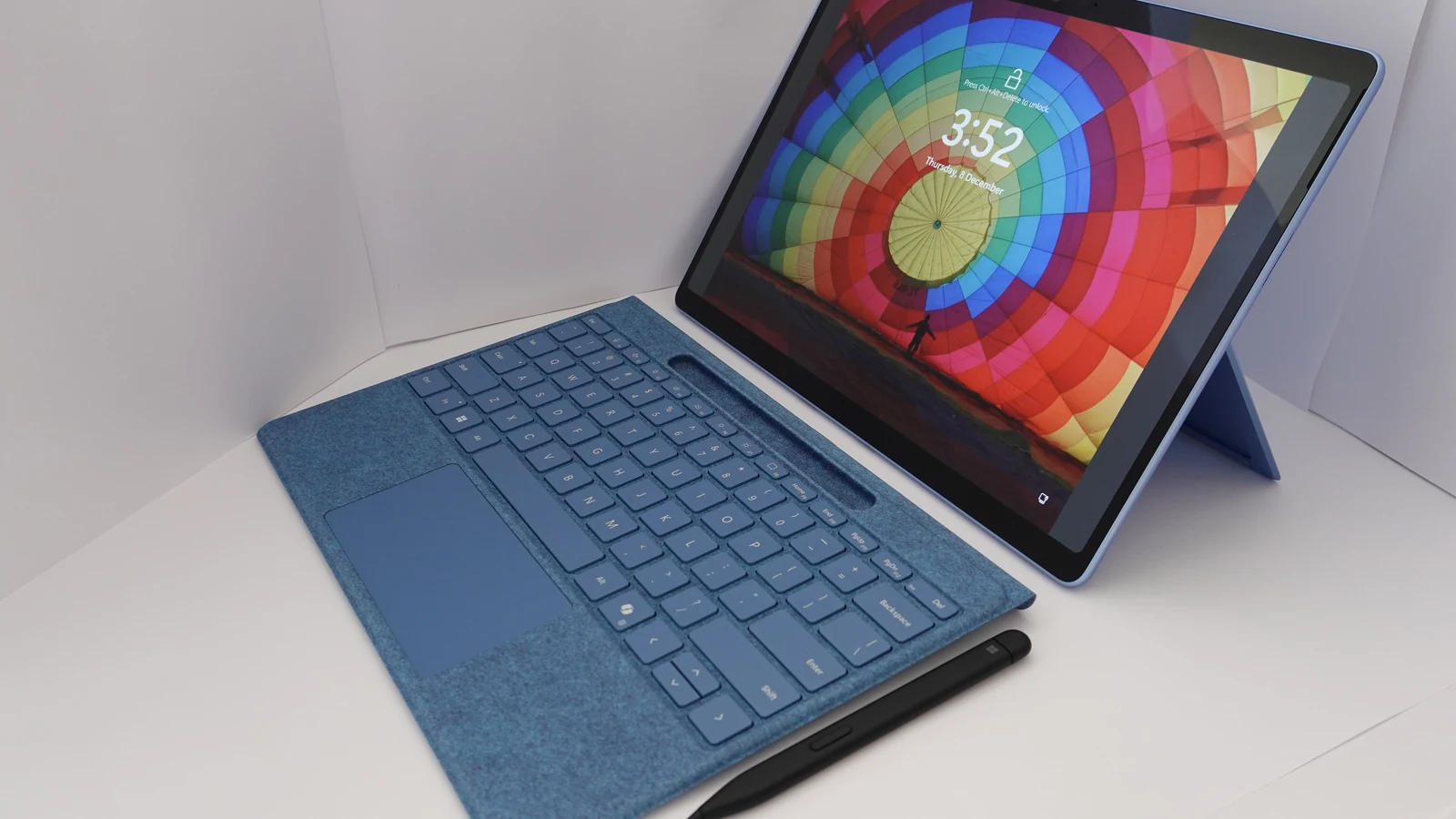
Intel Core Ultra vs Snapdragon X is usually presented as a performance contest, which is the least useful way to think about it. The two platforms run different instruction sets, and the decision that actually bites is whether the software you depend on runs natively, runs under emulation, or does not run at all. What follows compares published manufacturer specifications and Microsoft’s own documentation on Windows on Arm. No benchmark results or review verdicts appear here, because a spec sheet cannot tell you how a particular laptop will behave and a number from someone else’s machine is not a number from yours.
Updated October 2026.
What each side publishes
Intel introduced Core Ultra Series 3, codenamed Panther Lake, at CES on 5 January 2026 as its first client platform built on the Intel 18A process. The quick reference guide for the family lists up to 16 cores across P-cores, E-cores and low-power E-cores, an NPU rated up to 50 TOPS, a built-in Intel Arc GPU with up to 12 Xe cores, support for LPDDR5X at up to 9600 MT/s and DDR5 at up to 7200 MT/s, Thunderbolt 5 and Thunderbolt 4 support, and integrated Wi-Fi 7.
Two SKUs show the spread inside one family. Intel’s own specification page for the Core Ultra 9 processor 386H lists 16 total cores made up of 4 performance cores, 8 efficient cores and 4 low-power efficient cores, a 4.9 GHz maximum turbo frequency, 18 MB of Intel Smart Cache, a processor base power of 25 W and a maximum turbo power of 80 W, maximum memory of 128 GB, an NPU peak of 50 TOPS at INT8, and integrated graphics with 4 Xe cores giving a GPU peak of 40 TOPS. Its launch date is given as the first quarter of 2026. The Core Ultra X9 388H in the same reference guide is listed at 16 cores with a 5.1 GHz P-core maximum turbo and an Intel Arc B390 GPU with 12 Xe cores at 2.5 GHz rated at 122 TOPS.
Qualcomm’s Snapdragon X2 Elite product brief gives an equally specific table. The Snapdragon X2 Elite Extreme part X2E-96-100 is listed with 18 total cores, made up of 12 third-generation Oryon prime cores at a 4.4 GHz maximum multi-core frequency with a 5.0 GHz single and dual core boost, plus 6 performance cores at 3.6 GHz, 53 MB of total cache, an Adreno X2-90 GPU at 1.85 GHz, an 80 TOPS NPU and LPDDR5x memory at 228 GB/s. The Snapdragon X2 Elite part X2E-90-100 keeps 18 cores but drops to a 4.0 GHz multi-core frequency, a 1.70 GHz GPU and 152 GB/s of memory bandwidth. Qualcomm states the platform is built on a 3nm process node and says the Extreme is the first Arm-compatible CPU to reach 5.0 GHz.
Intel Core Ultra vs Snapdragon X on software, which is the real question
Microsoft’s documentation is the authority here, and it is unusually direct. Windows 11 on Arm supports emulation of both x86 and x64 applications, while Windows 10 on Arm supports x86 only. The emulator in Windows 11 24H2 is called Prism, and Microsoft says it is optimised and tuned specifically for Qualcomm Snapdragon processors, with some performance features inside Prism requiring hardware features only available in the Snapdragon X series. Emulation works by just-in-time compiling blocks of x86 instructions into Arm64 instructions, caching the translated blocks so later runs are faster.
The hard limit is stated plainly: emulation only supports user mode code and does not support drivers, and any kernel mode components must be compiled as Arm64. That single sentence is the whole risk. Application software generally has a path. Anything that installs a kernel mode driver, which covers a great deal of specialist hardware, capture equipment and some anti-cheat systems, does not, and no amount of emulation improvement changes it.
The NPU figure, and what it is for
Both platforms now quote large NPU numbers, and the only threshold that currently means anything is Microsoft’s. Microsoft defines a Copilot+ PC as a class of Windows 11 hardware with a neural processing unit able to perform more than 40 trillion operations per second, and says many of the new Windows AI features require an NPU able to run at 40 TOPS or more. Intel’s 50 TOPS and Qualcomm’s 80 TOPS both clear that bar comfortably. Beyond the threshold, a larger NPU figure does not translate into a general speed difference you will notice in ordinary work, because most software does not use the NPU at all.
5 simple buying rules
- Write the must-have application list first, then check each one. Look specifically for a native Arm64 build. Where one exists, that is the end of the question for that application.
- Treat anything with a kernel mode driver as a stop sign on Arm. Microsoft states that emulation does not support drivers and that kernel mode components must be compiled as Arm64.
- Compare NPU figures against the 40 TOPS Copilot+ floor, not against each other. Clearing the threshold is what unlocks the Windows features; the margin above it is not a performance ranking.
- Check the memory type and the maximum capacity on the exact SKU. Intel lists LPDDR5X at up to 9600 MT/s and up to 128 GB on the 386H; Qualcomm lists LPDDR5x at 152 or 228 GB/s depending on part. Soldered memory cannot be upgraded later.
- Ask the retailer for the processor part number, not the family name. Within one family Intel lists both a 4 Xe core GPU at 40 TOPS and a 12 Xe core Arc GPU at 122 TOPS, and Qualcomm lists parts with 18 cores and parts with 12.
Where each one is the straightforward answer
Choose Arm when every application on your list has a native build or confirmed emulation support, and you want the efficiency characteristics the architecture is designed for. Choose x86 when even one item fails and you cannot substitute it, because that removes a whole category of problem. Students should ask their department before choosing Arm, since course-mandated software is exactly the category most likely to surprise you. Our wider guides to how to choose a laptop and Chromebook versus Windows laptop cover the rest of the decision, and Acer Aspire 14 AI versus HP OmniBook 5 looks at two machines that sit on opposite sides of this split.
Common questions
Is Snapdragon X faster than Intel Core Ultra? Published specifications do not answer that, and this article does not quote benchmarks. Qualcomm lists 18 cores with a 5.0 GHz boost on the X2 Elite Extreme; Intel lists up to 16 cores with a 5.1 GHz P-core turbo on the Core Ultra X9 388H. Real performance depends on the laptop, its cooling and the software.
Will my x86 programs run on a Snapdragon laptop? Windows 11 on Arm emulates both x86 and x64 applications through Prism. Microsoft states that emulation supports user mode code only and does not support drivers, so anything with a kernel mode component must be compiled as Arm64.
What is Prism? Prism is the emulator included with Windows 11 24H2. Microsoft says it is optimised and tuned specifically for Qualcomm Snapdragon processors, and that some of its performance features need hardware available only in the Snapdragon X series.
Do I need a 40 TOPS NPU? Only for the Windows AI features that require one. Microsoft defines a Copilot+ PC as having an NPU capable of more than 40 trillion operations per second, and both Intel at 50 TOPS and Qualcomm at 80 TOPS clear that.
Which should I buy if I am unsure? x86, because it removes the compatibility question entirely. The efficiency advantages of Arm are worth having, but only once you have confirmed your software list.
Sources and further reading
Where the figures and rules above come from, so you can check them:
- Core Ultra Series 3 family specifications, core counts, NPU TOPS, memory and I/O: Intel Core Ultra Series 3 Processors quick reference guide
- Core Ultra 9 processor 386H full specification table and launch date: Intel product specifications
- Snapdragon X2 Elite part numbers, core counts, clocks, cache, GPU, NPU TOPS and memory bandwidth: Qualcomm Snapdragon X2 Elite product brief
- 3nm process node, 18 cores and the 5.0 GHz claim: Qualcomm Snapdragon X2 Elite features at a glance
- How emulation works on Arm, Prism, and the driver and kernel mode limits: Microsoft Learn
- Copilot+ PC definition and the 40 TOPS requirement: Microsoft Learn
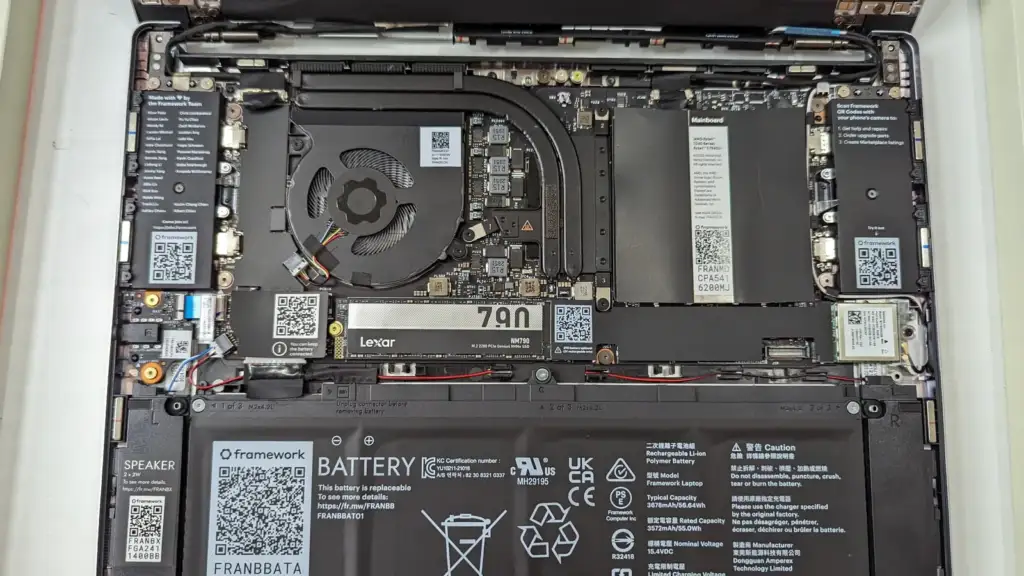
Photo credit: Framework Laptop 13 – 2023 AMD Ryzen – Internal motherboard and component view by Ogidya, CC BY 4.0, via Wikimedia Commons.


Join the discussion