Component · Hover and click effects
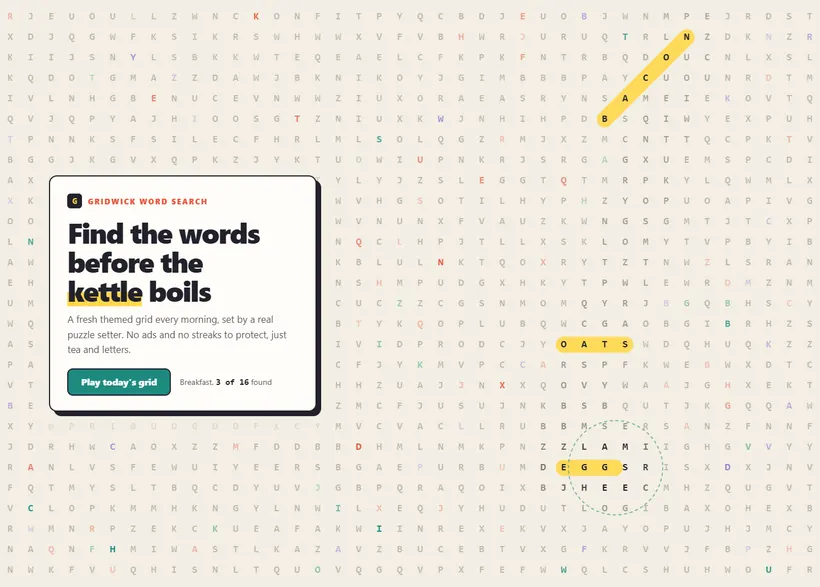
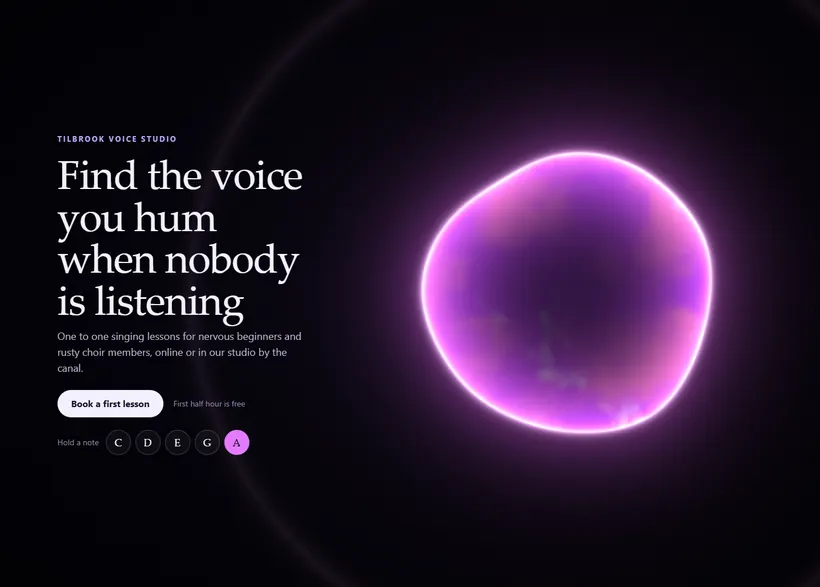
Prompts for website sections, animated components and full homepages. Open any design to see it working on desktop, tablet and phone, then copy the prompt that builds it.







Guide
The best UI design prompts read like a short brief, not a wish. Name the parts, say which one matters most, and describe how it should move and behave on a phone.
Seen in the wild
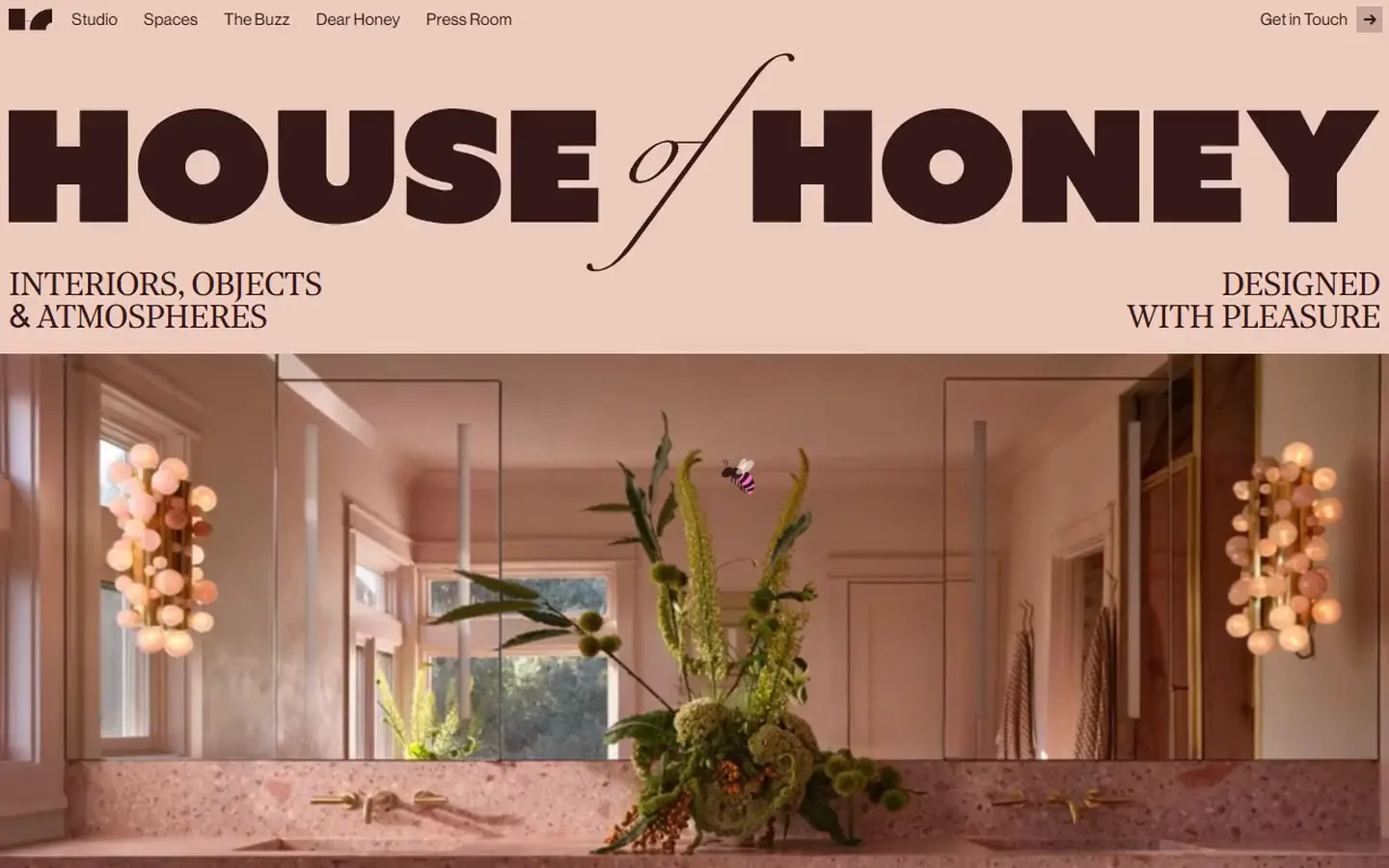 House of Honey ↗An interiors collective whose masthead wraps a heavy black wordmark around a thin script "of", set on blush pink, then...houseofhoney.com
 Union Boulangerie ↗A Paris neighbourhood bakery that opens on grainy video from the kitchen, then switches to flat cobalt blue panels with...unionboulangerie.com
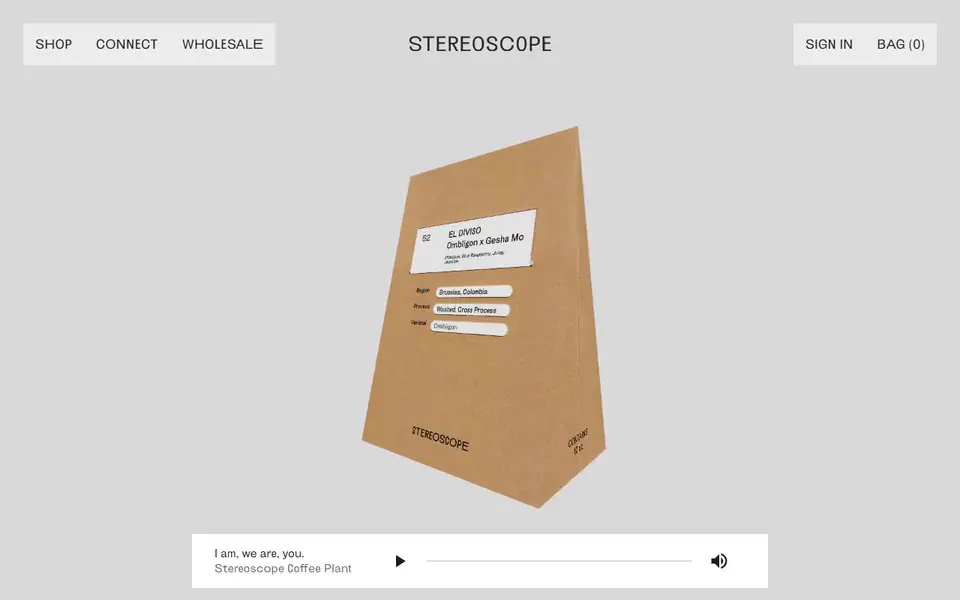 Stereoscope Coffee ↗A stark grey page where each coffee bag sits alone like a gallery piece, turning in 3D as you scroll....stereoscopecoffee.com