UI design prompts for websites

Prompts for website sections, animated components and full homepages. Open any design to see it working on desktop, tablet and phone, then copy the prompt that builds it.

Prompts

Live
Component · Scroll animations

Sticky scroll animation that opens a lido view

Live
Component · Menus and navigation

Card mega menu for a cargo bike maker

Live
Component · Carousels and galleries

Logo carousel of customers with stories

Live
Component · Hover and click effects

Liquid steel metallic logo

Live
Component · Cards

Paint fan deck with a springy bounce

Live
Component · Text animations

Rotating circular text badge

Live
Section · Call to action

Animated gradient call to action banner

Live
Section · Features

Bento grid features section

Live
Section · Headers

Floating glass navigation bar

Live
Section · Stats

Animated stats counter section

Live
Section · FAQ

Animated FAQ accordion

Live
Section · Footers

Editorial website footer with newsletter

Live
Section · Testimonials

Scrolling testimonial wall

Live
Component · Toggles

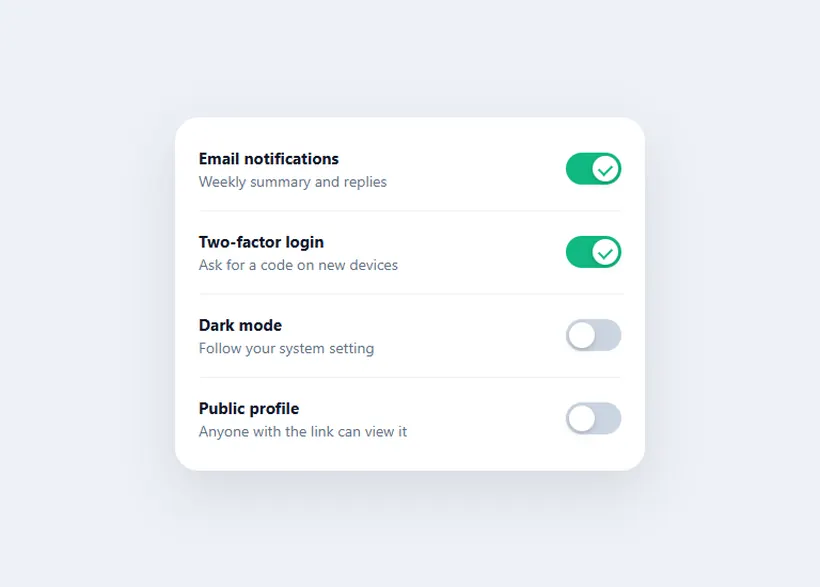
Springy toggle switch settings panel

Live
Section · Pricing

Usage pricing slider with tiered rates

Live
Section · Hero sections

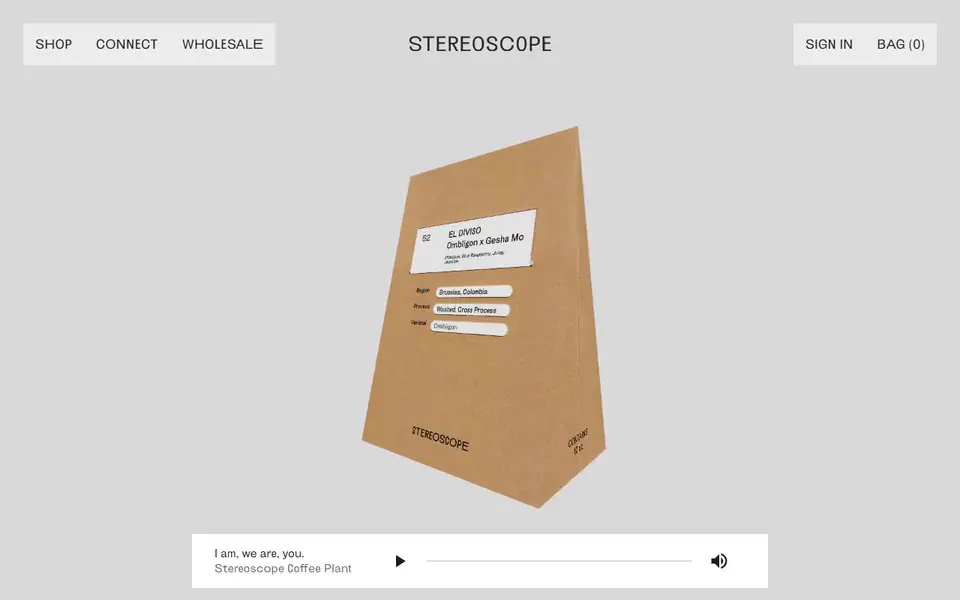
3D product hero for an insulated flask

Live
Website · Restaurant

Bakery cafe homepage with pre-order

Live
Website · Law firm

Calm family law firm homepage

Live
Component · Cursor effects

Lamp beam cursor glow effect

Live
Component · Interactive components

Rehearsal room time picker wheels

Live
Component · Animated backgrounds

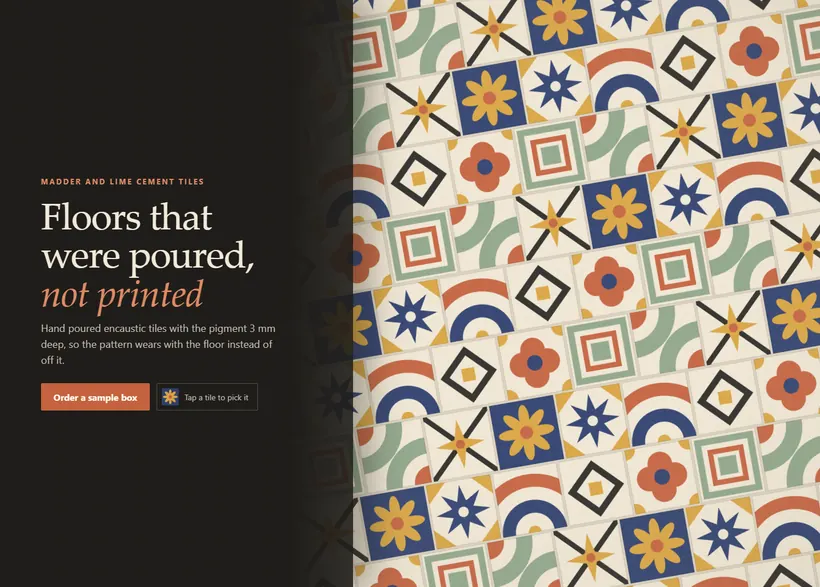
Moving cement tile background

Live
Component · Buttons

Glowing buttons with orbiting comets

Live
Component · Menus and navigation

Gooey tab bar for a plant care app

Guide

How to write a prompt that builds a good website

The best UI design prompts read like a short brief, not a wish. Name the parts, say which one matters most, and describe how it should move and behave on a phone.

  • Name the content. "Three plans: Starter, Pro and Enterprise" beats "a pricing table".
  • Pick one focal point. Tell the tool which element should draw the eye, and how.
  • Describe motion in verbs. "Slides", "rolls up" and "fades in on scroll" get far better results than "animated".
  • Cover mobile in one line. Most prompts forget it, and most bad results come from that.