


An assistant that reads your inbox and one that sends from it are not the same product with a bigger checkbox. They have different failure modes, different recovery options and different blast radii. AI agent email permissions deserve to be read as carefully as any other access grant, and the useful thing is that the underlying scopes are documented, so you can see exactly what you are about to hand over.
Updated October 2026. General security guidance, not a substitute for your own organisation’s security review or your provider’s current documentation.
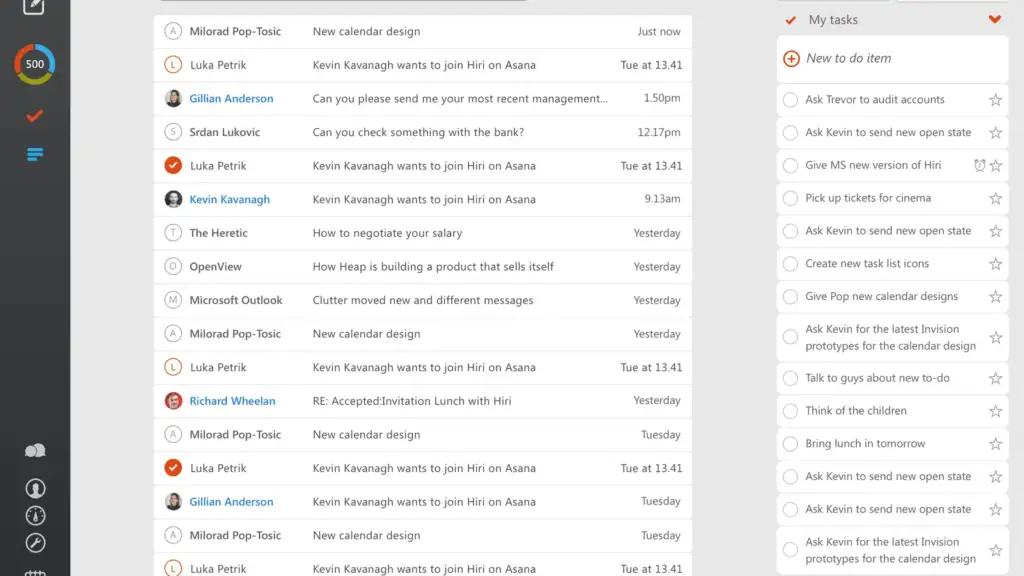
Read access and write access are different risks
Reading is a confidentiality problem. If an agent reads too much, information reaches somewhere it should not, which is serious but static. Writing is an integrity problem. Something happens in your name, other people act on it, and you cannot take it back. A wrong message to a client, a reply that confirms a payment detail, an answer to a thread you had deliberately not answered: none of those have an undo.
Google’s Gmail API scope reference makes the distinction concrete, and it also contains a trap. The scope named gmail.compose is documented as managing drafts and sending emails. A tool that describes itself as draft-only may still be holding a scope that permits sending. The full mail.google.com scope is documented as reading, composing, sending and permanently deleting all your email from Gmail, which is the one grant you should almost never agree to.
What each Gmail scope actually permits
- gmail.metadata views message metadata such as labels and headers, but not the message body. The narrowest useful read scope.
- gmail.readonly views your email messages and settings. Full read of every body.
- gmail.labels sees and edits your labels. Documented as a non-sensitive scope.
- gmail.send sends email on your behalf. Documented as sensitive rather than restricted.
- gmail.compose manages drafts and sends emails. Read the second half.
- gmail.modify reads, composes and sends, and does not allow immediate permanent deletion.
- mail.google.com reads, composes, sends and permanently deletes everything. Total access.
The problem specific to language models
Ordinary software does what its code says. A language model acting on your mailbox is reading text written by strangers and deciding what to do next, and it has no reliable way to tell your instructions apart from instructions buried in the content it was asked to process. OWASP describes this as prompt injection, defined as occurring when user prompts alter the model’s behaviour or output in unintended ways, and separates direct injection from indirect injection, where the instructions arrive inside an external source such as a web page or a file.
Email is close to the worst case for indirect injection, because anyone can put content into your inbox without your consent. The UK National Cyber Security Centre is blunt about the state of the art: “there are no failsafe security measures that will remove this risk”. It also warns that as models are increasingly used to pass data to third-party applications and services, the risk from malicious prompt injection will grow. NIST’s adversarial machine learning taxonomy covers the same attack class and pairs mitigations with their limitations.
6 safe limits to set on AI agent email permissions
- Start at the narrowest scope that works. If headers and labels are enough, grant gmail.metadata. If bodies are needed, grant gmail.readonly. Never grant mail.google.com.
- Separate drafting from sending deliberately. Since gmail.compose includes sending, a genuinely draft-only workflow needs the application to enforce it, so check what the vendor documents rather than what the marketing says.
- Require a human approval step for anything irreversible. Sending, replying, forwarding, deleting and creating filters. OWASP lists human approval for high-risk operations among its prevention measures.
- Scope to a label or a query, not the whole mailbox. Least privilege is the mitigation that survives when the model is fooled, because it limits what a successful injection can reach.
- Treat every message body as untrusted input. OWASP recommends segregating and clearly identifying external content. An inbox is external content by definition.
- Insist on logging and revocation before you connect. You need to be able to see what the agent did and to withdraw the grant in one step from your account’s third-party access settings.
Questions to ask before you grant access
Which exact scopes does this tool request, and are they listed anywhere you can read? Does it bundle calendar, contacts or drive access into the same consent screen, and can those be declined separately? Where is the message content processed, and is it retained? Is there an audit log you can export? Can a send be queued for approval rather than executed? If the vendor cannot answer those in writing, the honest reading is that the controls do not exist yet.
Background on the specific attack is worth having before you decide. Our explainer on prompt injection covers the mechanism in detail, what an AI agent is sets out what these systems are actually doing between your request and the result, and AI browser agents and safety covers the same permission problem in a browser, where the untrusted content is the whole web.
The general principle
Grant the narrowest access that makes the tool useful, keep a person in the loop for every action you cannot undo, and assume that anything the agent reads may be trying to instruct it. That is not pessimism about the technology. It is the same reasoning that stops you giving a new contractor the master key on the first day.
Common questions
What is the safest Gmail scope for an AI assistant? The narrowest one that does the job. gmail.metadata exposes labels and headers but not message bodies; gmail.readonly exposes bodies as well. The full mail.google.com scope also permits permanent deletion.
Does a draft-only assistant still need send permission? Check the scope. Google documents gmail.compose as managing drafts and sending emails, so an application holding it is technically able to send unless it restricts itself.
What is indirect prompt injection? Instructions hidden in content the model processes rather than in your own prompt, for example inside an email or a linked page. OWASP classes it separately from direct injection for that reason.
Can prompt injection be fully prevented? Not currently. The UK NCSC states that there are no failsafe measures that remove the risk, which is why least privilege and human approval for irreversible actions matter more than filtering.
How do I revoke access later? Through your Google account’s third-party access settings rather than the tool itself. Confirm that path exists, and that an audit log is available, before you grant anything.
Sources and further reading
Where the figures and rules above come from, so you can check them:
- Exact wording and sensitivity classification of each Gmail scope: Google, Gmail API scopes reference
- Definition of prompt injection, direct versus indirect, and the prevention measures: OWASP, LLM01: prompt injection
- The absence of failsafe measures and the growing risk from tool integrations: UK National Cyber Security Centre, thinking about the security of AI systems
- Taxonomy of adversarial attacks on machine learning systems and their mitigations: NIST AI 100-2e2025, adversarial machine learning
Photo credit: Hiri inbox screenshot by Kevkav, CC BY-SA 4.0, via Wikimedia Commons.
OpenAI now ships a settings screen for exactly this. Our guide to ChatGPT Dots custom rules works through the four behaviours.


Join the discussion