Animated UI components and UI design prompts

Small pieces with a lot of feel. Animated buttons, toggle switches and micro-interactions, each shown running live with the UI design prompt that builds it. Press them, flip them, then copy the prompt.
Prompts

Live
Component · Interactive components

Rehearsal room time picker wheels

Live
Component · Animated backgrounds

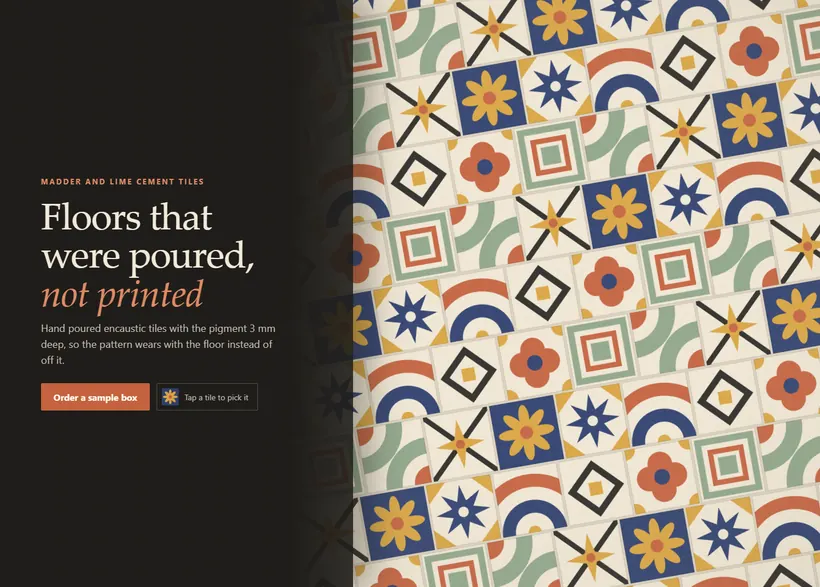
Moving cement tile background

Live
Component · Buttons

Glowing buttons with orbiting comets

Live
Component · Menus and navigation

Gooey tab bar for a plant care app

Live
Component · Carousels and galleries

Accordion gallery of a coast path

Live
Component · Hover and click effects

Lightning animation logo mark

Live
Component · Cards

Self cycling card stack app tour

Live
Component · Text animations

Typewriter effect search bar

Live
Component · Cursor effects

Starling flock cursor animation

Live
Component · Interactive components

Ring engraving input with a springy line

Live
Component · Animated backgrounds

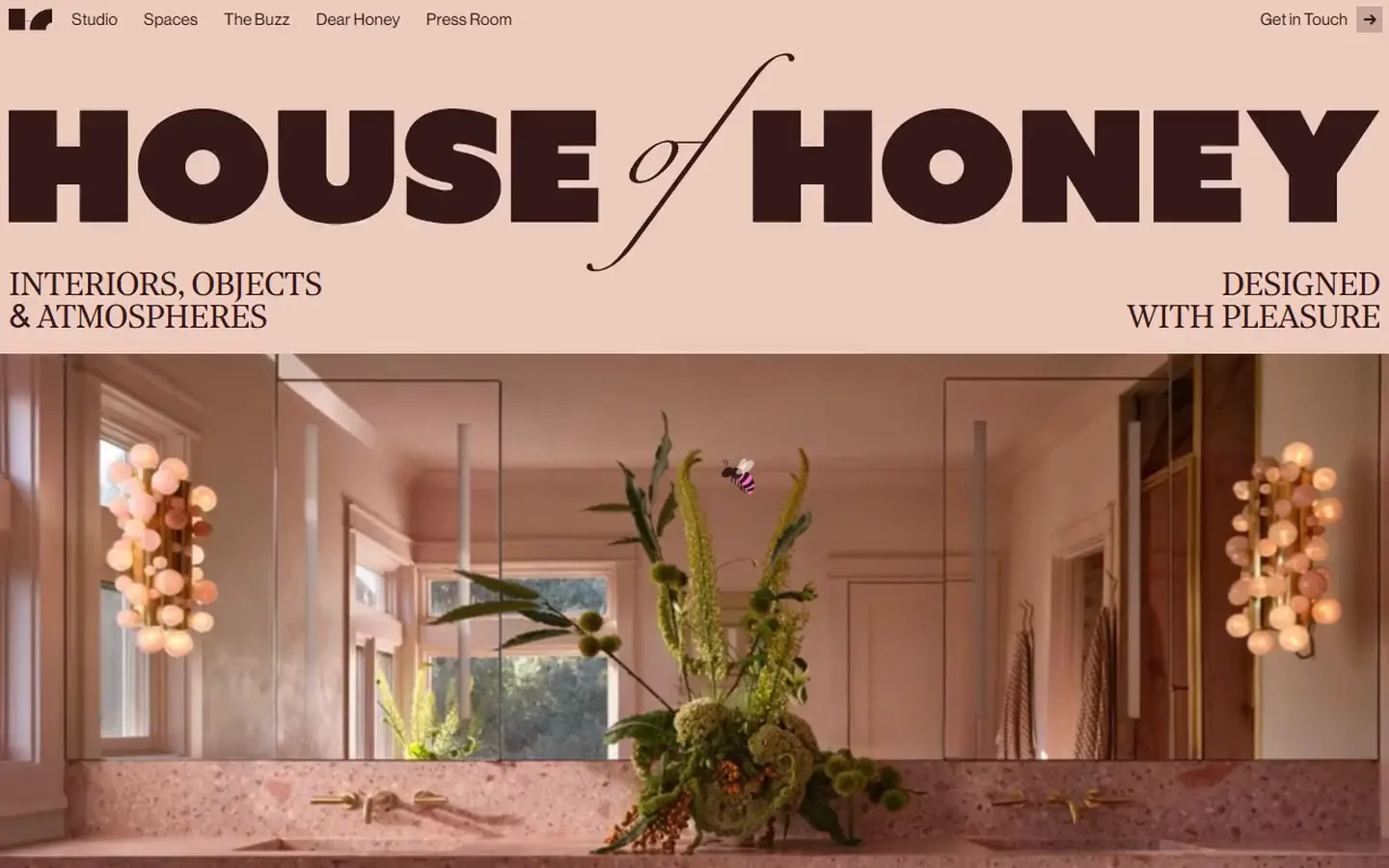
Honeycomb background that fills with honey

Live
Component · Buttons

Magnetic button hover effect

Live
Component · Scroll animations

Fade in on scroll route for a night race

Live
Component · Menus and navigation

Radial bubble menu for a travel journal

Live
Component · Carousels and galleries

WebGL slider of seed packets on an arc

Live
Component · Hover and click effects

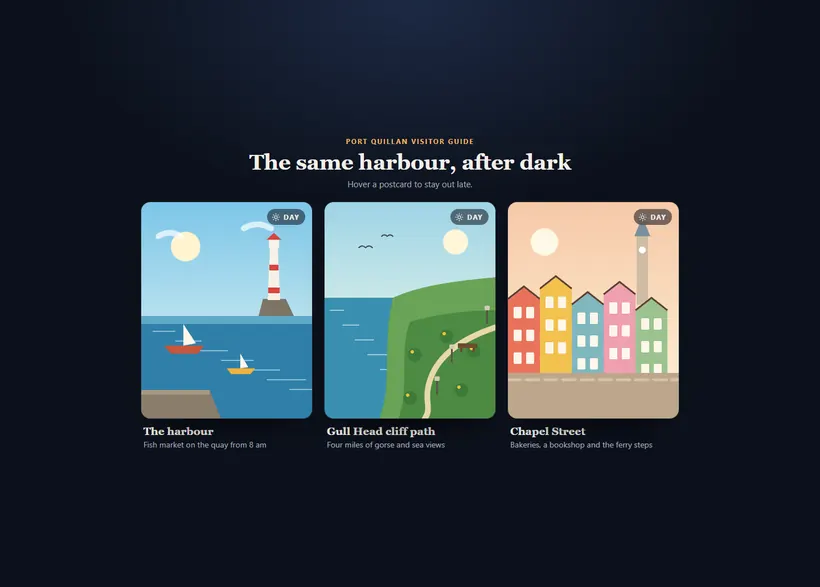
Day to night pixel transition postcards

Live
Component · Cards

Liquid glass smart home panel

Live
Component · Text animations

Text shuffle animation index

Live
Component · Cursor effects

Focus bracket custom cursor

Live
Component · Interactive components

Animated list of teas with a steep timer

Live
Component · Animated backgrounds

Liquid chrome background with ripples

Live
Component · Buttons

Six CSS animated buttons

Live
Component · Scroll animations

Progressive blur on a scrolling changelog

Guide

How to prompt a UI component that feels right

Components live or die on their states. A good prompt lists every state and how the component moves between them.

  • List the states. Rest, hover, pressed, focused, disabled, loading.
  • Give the motion a character. "Springy", "snappy" or "soft" changes the timing curve the tool picks.
  • Ask for accessibility. Keyboard focus and reduced motion, in one sentence.