Animated UI components and UI design prompts

Small pieces with a lot of feel. Animated buttons, toggle switches and micro-interactions, each shown running live with the UI design prompt that builds it. Press them, flip them, then copy the prompt.

Prompts

Live
Component · Animated backgrounds

Plasma effect background for a fusion lab

Live
Component · Carousels and galleries

Spiral gallery of record sleeves

Live
Component · Hover and click effects

Koi pond with a water ripple effect

Live
Component · Cards

Pixel bloom pricing cards

Live
Component · Text animations

Text cursor trail that writes a poem

Live
Component · Cursor effects

Gooey soda blob cursor

Live
Component · Interactive components

Stretch knit cloth simulation

Live
Component · Animated backgrounds

Glowing wave background for night kayaking

Live
Component · Carousels and galleries

3D slider of film posters in depth

Live
Component · Hover and click effects

Confetti click animation

Live
Component · Cards

Melting album cover card

Live
Component · Text animations

Blur text effect with a moving focus lens

Live
Component · Cursor effects

Compass needle field that tracks the cursor

Live
Component · Interactive components

macOS style dock with magnification

Live
Component · Animated backgrounds

Pollen particles animation background

Live
Component · Carousels and galleries

SVG morph animation slider

Live
Component · Hover and click effects

Glowing border cards that follow the cursor

Live
Component · Cards

Team grid with a colour spotlight

Live
Component · Text animations

ASCII text art wordmark that glows like a kiln

Live
Component · Interactive components

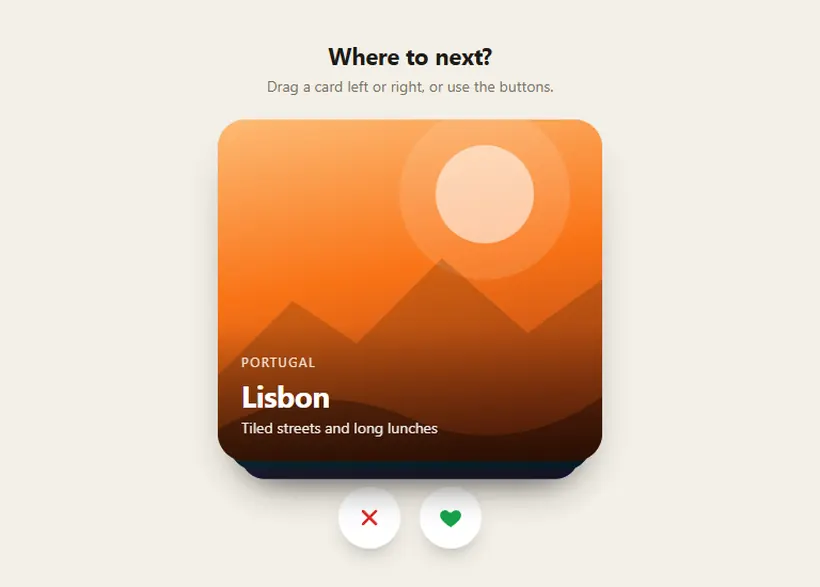
Swipe cards deck

Live
Component · Animated backgrounds

Pixel snow animation over mountains

Live
Component · Carousels and galleries

Scrolling gallery wall that drifts

Live
Component · Text animations

Glitch text effect on a 404 page

Live
Component · Interactive components

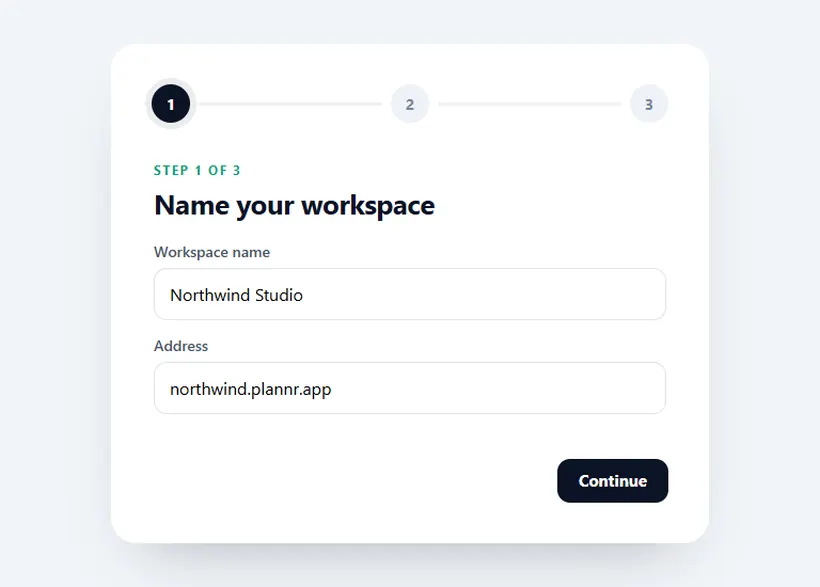
Stepper UI for onboarding

Guide

How to prompt a UI component that feels right

Components live or die on their states. A good prompt lists every state and how the component moves between them.

  • List the states. Rest, hover, pressed, focused, disabled, loading.
  • Give the motion a character. "Springy", "snappy" or "soft" changes the timing curve the tool picks.
  • Ask for accessibility. Keyboard focus and reduced motion, in one sentence.