Animated UI components and UI design prompts

Small pieces with a lot of feel. Animated buttons, toggle switches and micro-interactions, each shown running live with the UI design prompt that builds it. Press them, flip them, then copy the prompt.

Prompts

Live
Component · Interactive components

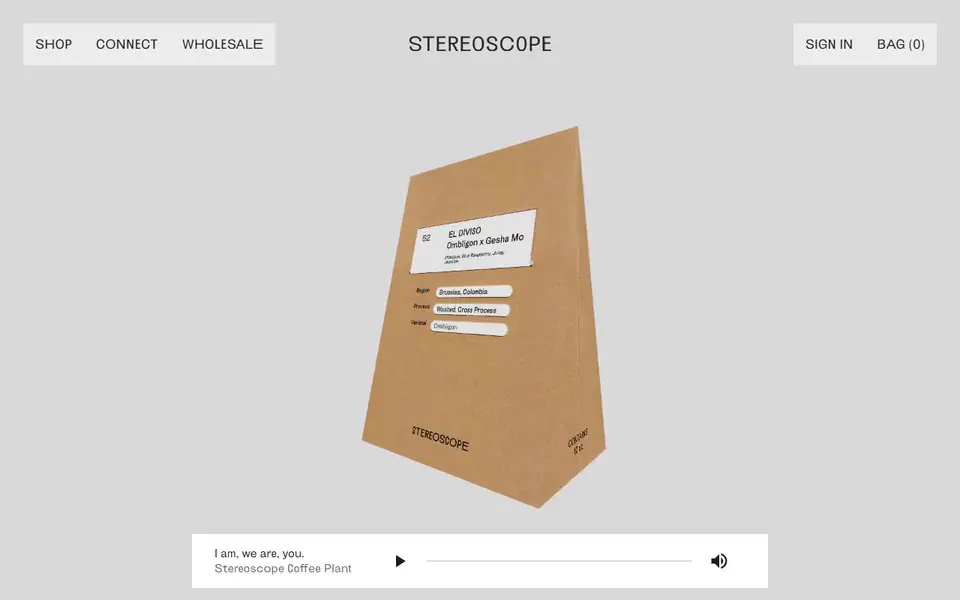
3D product viewer for a cast iron pot

Live
Component · Animated backgrounds

Radar background for a tag finder

Live
Component · Scroll animations

Text marquee that speeds up with scroll

Live
Component · Menus and navigation

Sphere menu for a board game café

Live
Component · Carousels and galleries

Card slider for cookery classes

Live
Component · Hover and click effects

Electric border on an EV charger card

Live
Component · Cards

Reflective chrome room key card

Live
Component · Text animations

Mirage 404 page design

Live
Component · Cursor effects

Poster image trail effect

Live
Component · Interactive components

3D lanyard with a swinging conference badge

Live
Component · Animated backgrounds

Pastel gradient background with light veils

Live
Component · Carousels and galleries

Circular carousel on a perfume dial

Live
Component · Hover and click effects

Sticker peel effect with a hidden code

Live
Component · Cards

Parallax tilt card for a night walk

Live
Component · Text animations

Animated gradient text headline

Live
Component · Cursor effects

Silk ribbon mouse trail

Live
Component · Interactive components

Rope physics yarn curtain in a doorway

Live
Component · Animated backgrounds

Glowing ring animation for a circus school

Live
Component · Carousels and galleries

Product slider with flexing panels

Live
Component · Hover and click effects

Breathing shapes that sharpen near your finger

Live
Component · Text animations

Falling letter beads

Live
Component · Cursor effects

WebGL ink fluid cursor

Live
Component · Interactive components

Faceted crystal orb with a 3D glass effect

Guide

How to prompt a UI component that feels right

Components live or die on their states. A good prompt lists every state and how the component moves between them.

  • List the states. Rest, hover, pressed, focused, disabled, loading.
  • Give the motion a character. "Springy", "snappy" or "soft" changes the timing curve the tool picks.
  • Ask for accessibility. Keyboard focus and reduced motion, in one sentence.