Animated UI components and UI design prompts

Small pieces with a lot of feel. Animated buttons, toggle switches and micro-interactions, each shown running live with the UI design prompt that builds it. Press them, flip them, then copy the prompt.

Prompts

Live
Component · Menus and navigation

Tick ruler sidebar menu for a long read

Live
Component · Carousels and galleries

Masonry layout for a pattern library

Live
Component · Hover and click effects

Pixelate effect colourway picker

Live
Component · Text animations

Shimmer text invitation card

Live
Component · Cursor effects

Ghostly mist cursor trail

Live
Component · Interactive components

Elastic range slider for e-bike assist

Live
Component · Animated backgrounds

Tie dye background swirl

Live
Component · Scroll animations

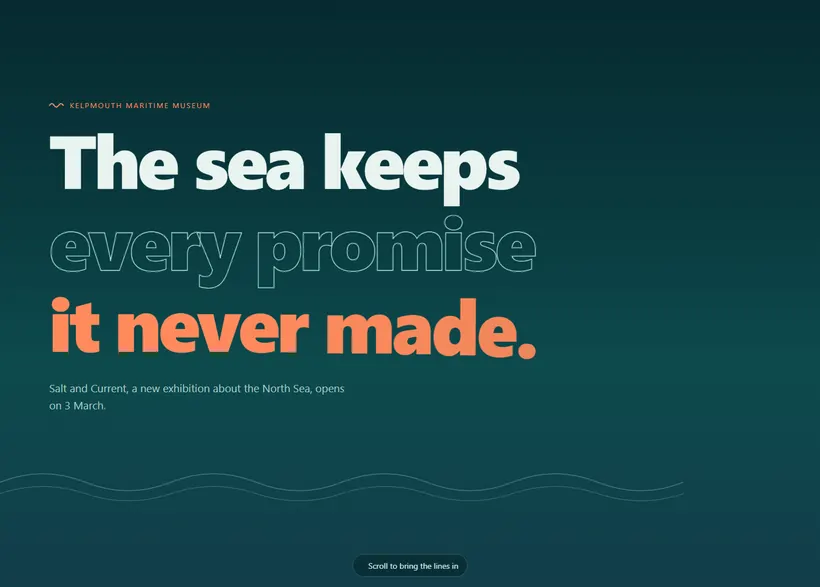
Scroll text animation with floating letters

Live
Component · Menus and navigation

Sliding pill navbar for a coworking space

Live
Component · Carousels and galleries

3D image gallery inside a museum dome

Live
Component · Hover and click effects

Halftone print with a colour reveal lens

Live
Component · Cards

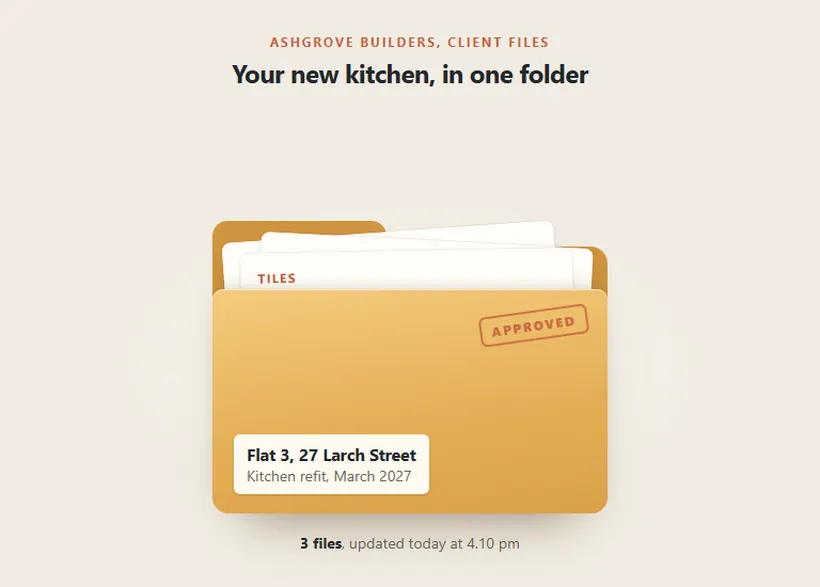
Folder that opens into client files

Live
Component · Text animations

Squeeze interactive typography

Live
Component · Cursor effects

Arcade pixel trail cursor

Live
Component · Interactive components

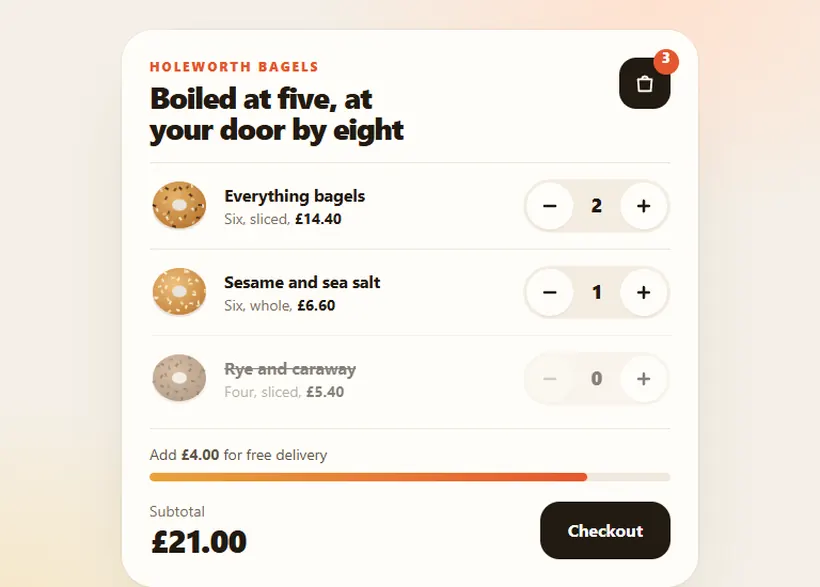
Quantity selector with rolling digits

Live
Component · Animated backgrounds

Dots background of tulip fields

Live
Component · Scroll animations

Scroll reveal manifesto that lights up as you read

Live
Component · Menus and navigation

Flowing hover menu for a dance school

Live
Component · Carousels and galleries

WebGL animation of flying theatre posters

Live
Component · Hover and click effects

Enamel pin cards with a shine sweep

Live
Component · Cards

Holographic foil founders pass

Live
Component · Text animations

Curved text ribbon marquee

Live
Component · Cursor effects

Architect crosshair cursor

Guide

How to prompt a UI component that feels right

Components live or die on their states. A good prompt lists every state and how the component moves between them.

  • List the states. Rest, hover, pressed, focused, disabled, loading.
  • Give the motion a character. "Springy", "snappy" or "soft" changes the timing curve the tool picks.
  • Ask for accessibility. Keyboard focus and reduced motion, in one sentence.