

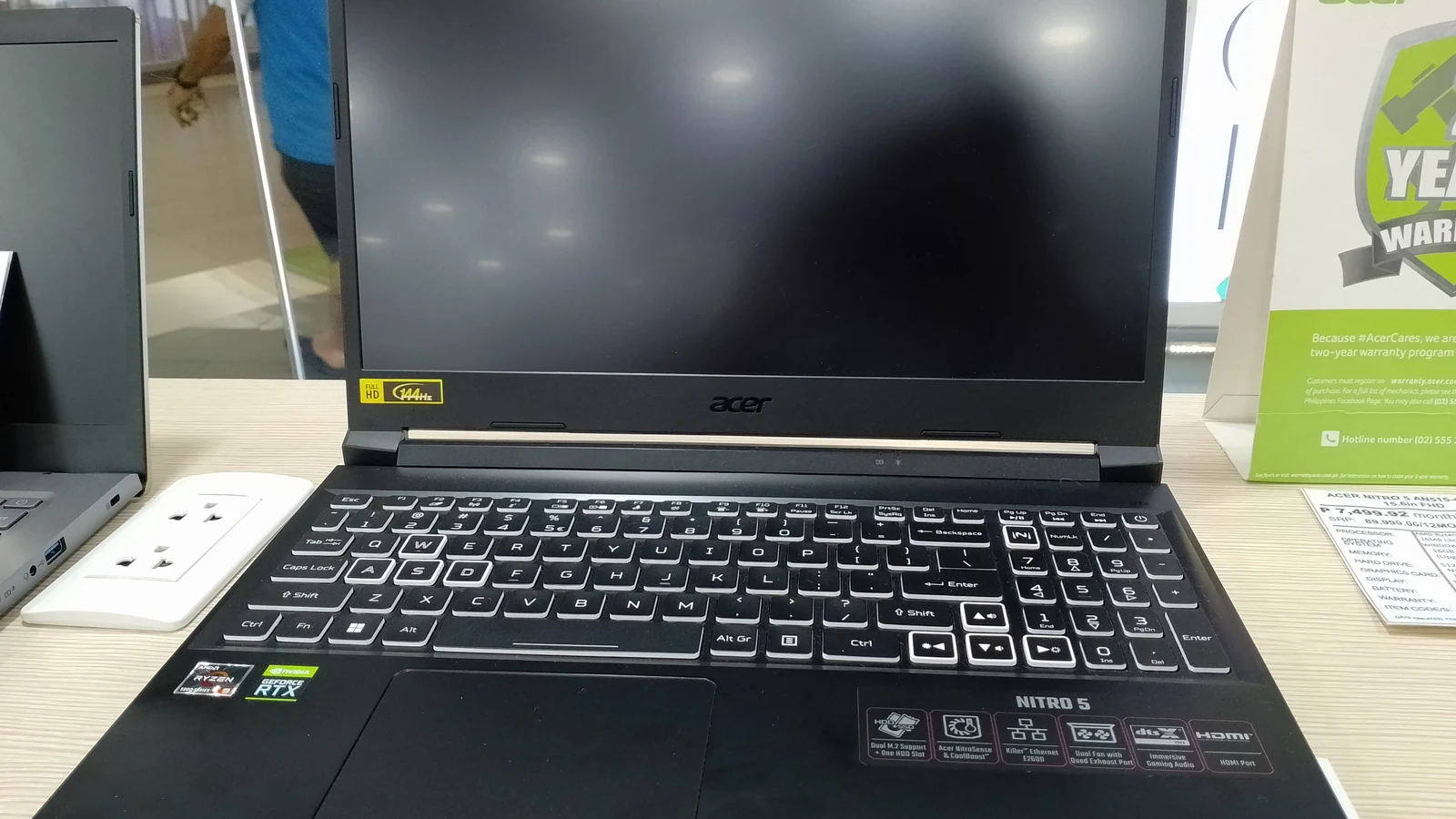
Students are told to buy a gaming laptop because it is more powerful. Power is rarely the constraint. Weight, battery and noise are, and gaming laptops lose on all three.
Specifications checked August 2026. Street prices on laptops move constantly and vary by region and retailer, so this compares what the machines are rather than quoting a figure that will be stale within weeks.
What a gaming laptop actually costs you
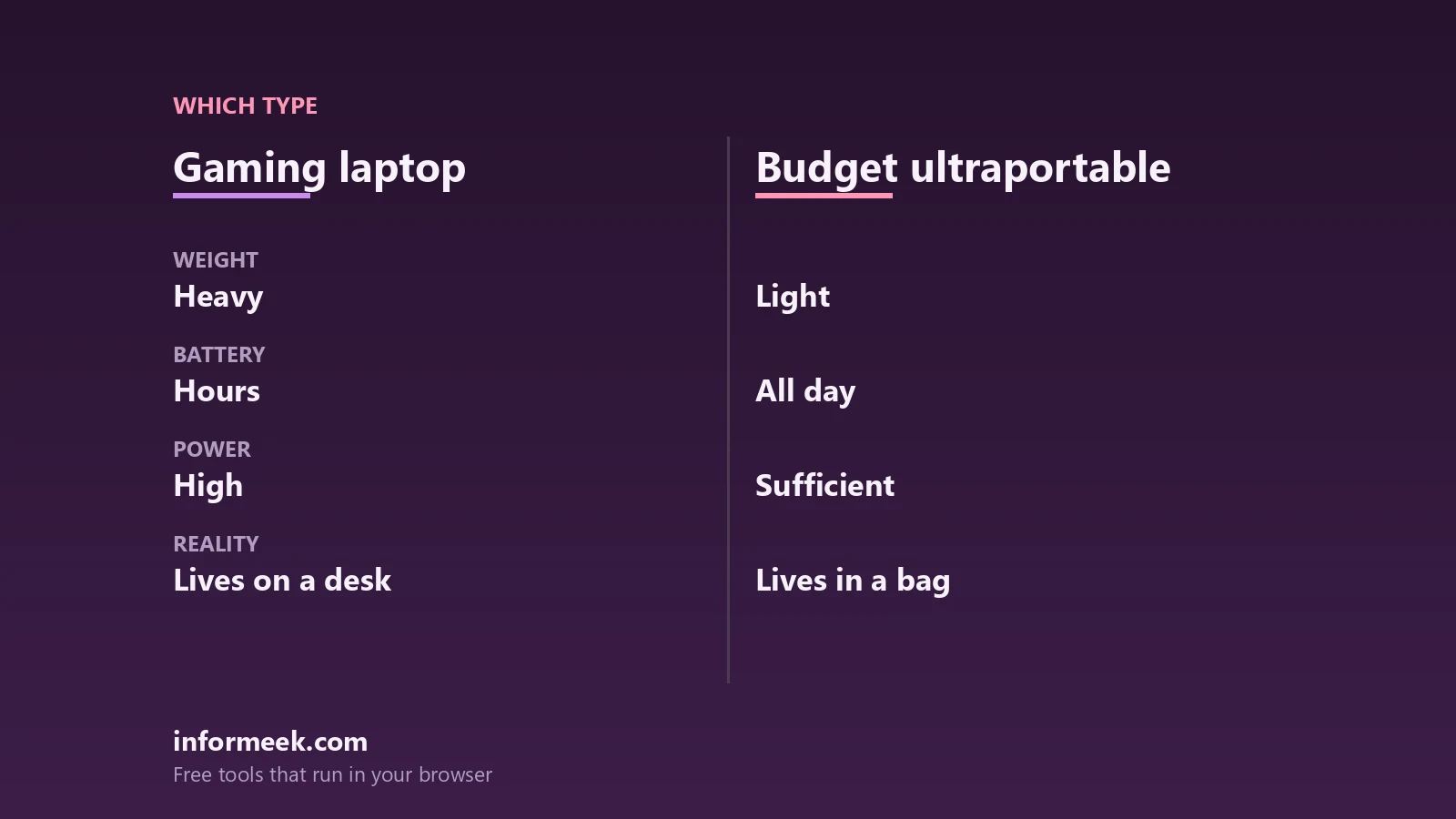
- Weight. Cooling a discrete graphics card needs volume. A gaming laptop is roughly twice the weight of an ultraportable, and you feel it every day you carry it.
- Battery. Machines like the Lenovo LOQ 15 and ASUS TUF A16 are built around sustained power, not endurance. Plan around a charger.
- Noise. Fans are audible under load. That is fine at a desk and antisocial in a library.
- Price per unit of usefulness. Much of the cost is graphics you will not use for coursework.
Against that, if you genuinely game, nothing else does the job — and a machine like the Acer Nitro V 16S AI, with its 16-inch 1920×1200 panel, is designed to be a single machine for gaming, work and school rather than a games console with a keyboard.
What a budget ultraportable gives you
The Acer Aspire 14 AI runs 14 to 22 hours on a charge; the HP OmniBook 5 claims 25+. Those numbers change how you use a laptop. You stop planning around sockets, and the machine stays in your bag rather than on your desk.
The compromise is real: integrated graphics handle video, documents and light editing, and will not run demanding games. If you never intended to, you lose nothing.
The question that settles it
Where does the laptop physically live? If it stays on a desk and travels occasionally, buy the gaming laptop and enjoy the performance. If it is in a bag every day, moving between lectures and libraries and cafes, buy the light one — you will use it more, and a laptop you carry beats a faster one you leave behind.
The hybrid answer, if the budget allows: an ultraportable for carrying plus a desktop or a console for gaming. Two devices that each do one job well often cost less than one that compromises on both.
Check the course requirements first
Some courses mandate specific software, and engineering, architecture and media programmes sometimes require Windows on x86 or a discrete graphics card. That requirement overrides every other consideration here, and it is worth confirming before you spend anything.
Common questions
Do students need discrete graphics? Only for gaming, 3D work, or specific course software. Integrated graphics handle everything else comfortably.
Is a gaming laptop good value? For gaming, yes. As a general student machine, you are paying for capability you may not use.
How much battery is enough? Enough for a full day away from a socket. That means eight hours of real use, not a manufacturer figure from a light test.
Can I game on a budget ultraportable? Older and lighter titles, and cloud gaming works well if your connection is good.
Cover photograph: Acer Nitro 5, by PaulGorduiz106, licensed CC BY-SA 4.0 via Wikimedia Commons. The photograph shows an earlier model from the same range rather than the machines compared above.

Join the discussion