Website section design inspiration with prompts

Website section design, one block at a time. Every header, hero section, pricing table, FAQ and footer here runs live in the page, so you can check it on desktop, tablet and phone before you copy the prompt that builds it.

Prompts

Live
Component · Hover and click effects

CSS 3D cube box of bonbons

Live
Component · Cards

Bento grid with a roaming spotlight

Live
Component · Text animations

Split text animation poster

Live
Component · Toggles

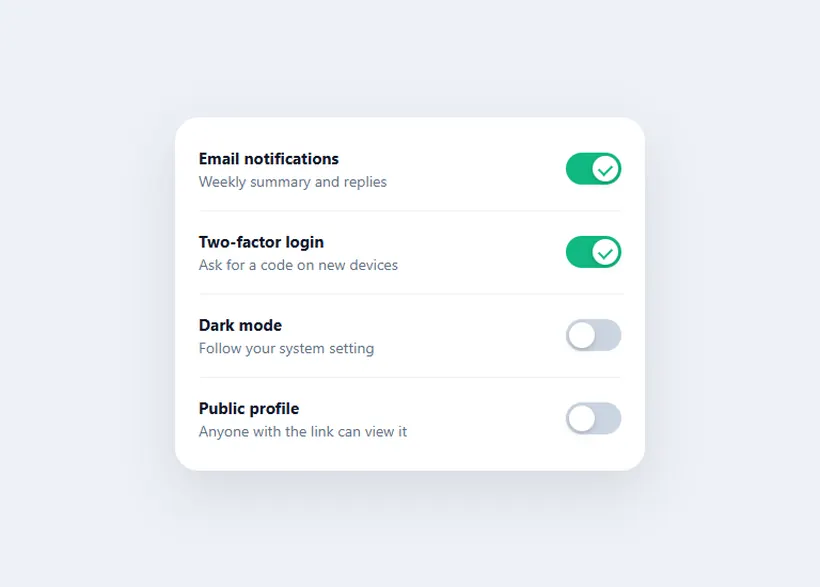
Springy toggle switch settings panel

Live
Component · Cursor effects

Olive oil metaballs cursor

Live
Component · Interactive components

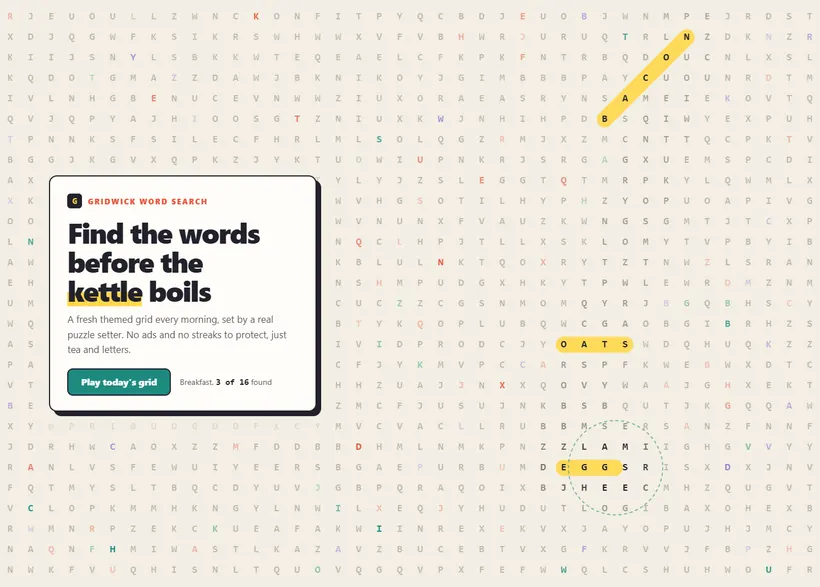
Letter glitch word search

Live
Component · Animated backgrounds

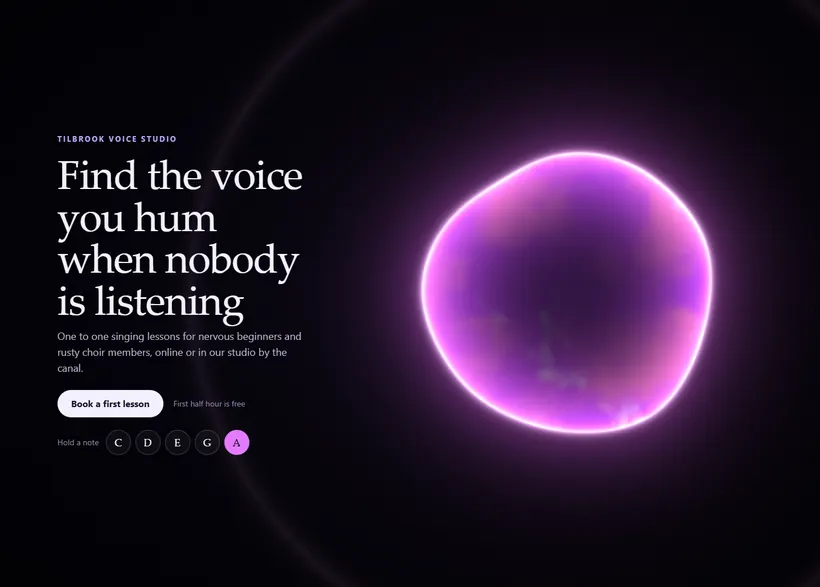
Singing note orb animation

Live
Component · Buttons

Glass icon buttons for quick actions

Live
Component · Scroll animations

Sticky scroll animation that opens a lido view

Live
Component · Menus and navigation

Card mega menu for a cargo bike maker

Live
Component · Carousels and galleries

Logo carousel of customers with stories

Live
Component · Hover and click effects

Liquid steel metallic logo

Live
Component · Cards

Paint fan deck with a springy bounce

Live
Component · Text animations

Rotating circular text badge

Live
Component · Cursor effects

Lamp beam cursor glow effect

Live
Component · Interactive components

Rehearsal room time picker wheels

Live
Component · Animated backgrounds

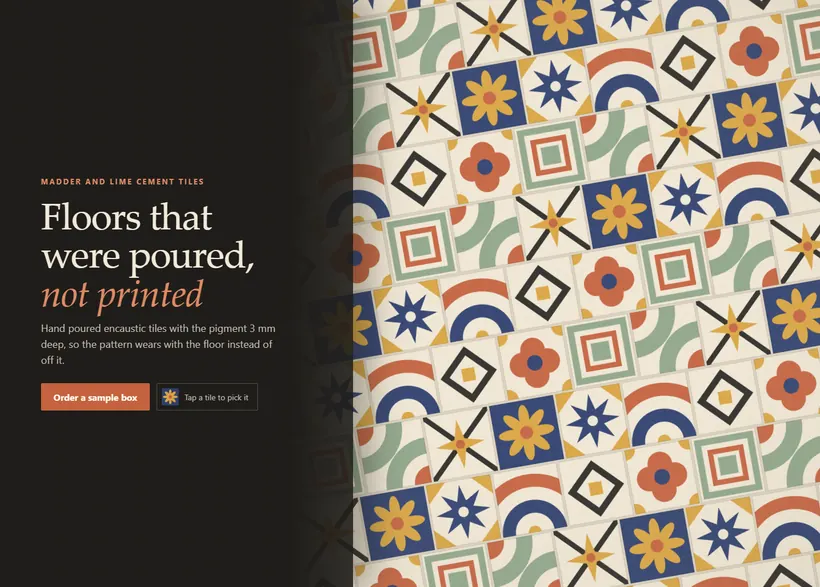
Moving cement tile background

Live
Component · Buttons

Glowing buttons with orbiting comets

Live
Component · Menus and navigation

Gooey tab bar for a plant care app

Live
Component · Carousels and galleries

Accordion gallery of a coast path

Live
Component · Hover and click effects

Lightning animation logo mark

Live
Component · Cards

Self cycling card stack app tour

Live
Component · Text animations

Typewriter effect search bar

Guide

How to prompt a good website section

The best section prompts read like a short brief. Name the parts, say which one matters most, and describe how it should move and behave on a phone.

  • Name the content. "Three plans: Starter, Pro and Enterprise" beats "a pricing table".
  • Pick one focal point. Tell the tool which element should draw the eye.
  • Describe motion in verbs. "Slides", "rolls up" and "fades in" beat "animated".
  • Cover mobile in one line. Most bad results come from forgetting it.