Website section design inspiration with prompts

Website section design, one block at a time. Every header, hero section, pricing table, FAQ and footer here runs live in the page, so you can check it on desktop, tablet and phone before you copy the prompt that builds it.

Prompts

Live
Component · Hover and click effects

Confetti click animation

Live
Component · Cards

Melting album cover card

Live
Component · Text animations

Blur text effect with a moving focus lens

Live
Component · Cursor effects

Compass needle field that tracks the cursor

Live
Component · Interactive components

macOS style dock with magnification

Live
Component · Animated backgrounds

Pollen particles animation background

Live
Component · Carousels and galleries

SVG morph animation slider

Live
Component · Hover and click effects

Glowing border cards that follow the cursor

Live
Component · Cards

Team grid with a colour spotlight

Live
Component · Text animations

ASCII text art wordmark that glows like a kiln

Live
Component · Interactive components

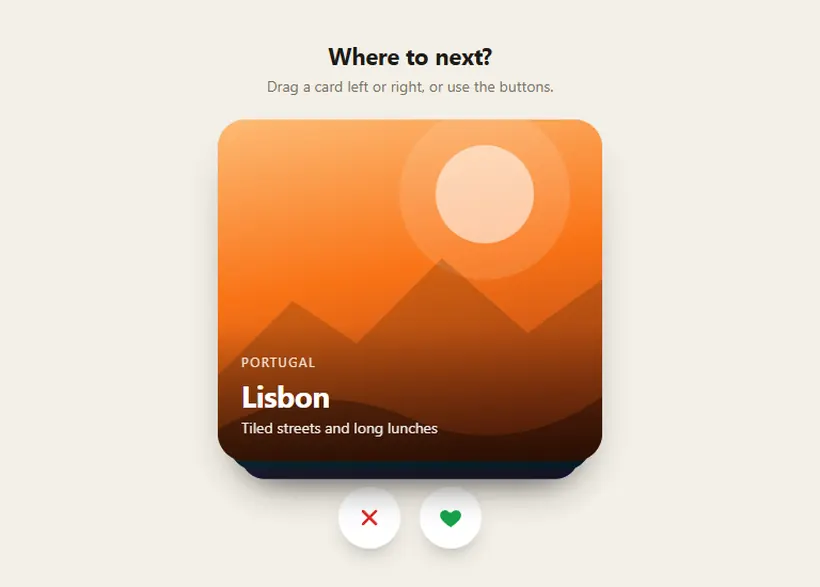
Swipe cards deck

Live
Component · Animated backgrounds

Pixel snow animation over mountains

Live
Component · Carousels and galleries

Scrolling gallery wall that drifts

Live
Component · Text animations

Glitch text effect on a 404 page

Live
Component · Interactive components

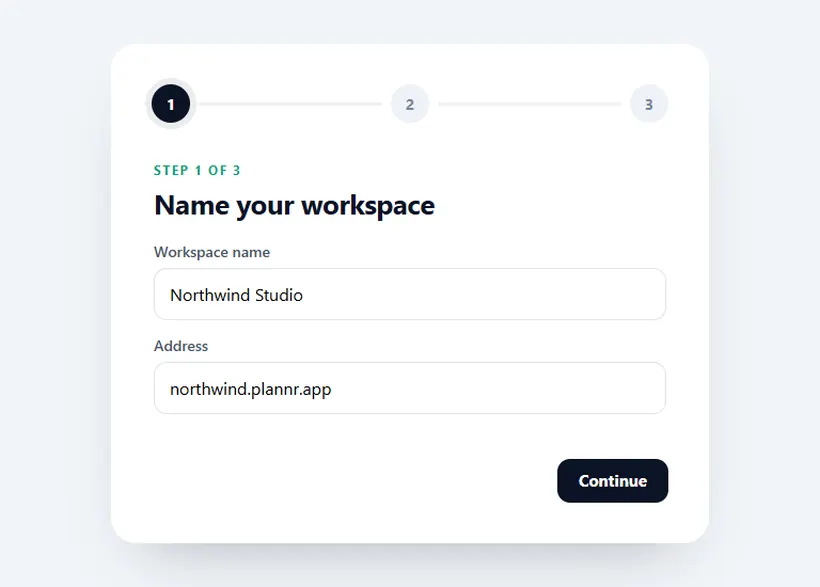
Stepper UI for onboarding

Live
Component · Animated backgrounds

Gradient stripes on turning vanes

Live
Component · Text animations

Variable font animation that follows the cursor

Live
Component · Animated backgrounds

Lightning background for a storm alert

Live
Component · Animated backgrounds

3D grid background with a scan sheet

Live
Component · Text animations

Dot matrix text status sign

Live
Component · Animated backgrounds

Prismatic light burst background

Live
Component · Text animations

Text loop animation on a word drum

Live
Component · Animated backgrounds

Noise gradient shapes for a pilates studio

Guide

How to prompt a good website section

The best section prompts read like a short brief. Name the parts, say which one matters most, and describe how it should move and behave on a phone.

  • Name the content. "Three plans: Starter, Pro and Enterprise" beats "a pricing table".
  • Pick one focal point. Tell the tool which element should draw the eye.
  • Describe motion in verbs. "Slides", "rolls up" and "fades in" beat "animated".
  • Cover mobile in one line. Most bad results come from forgetting it.