Website section design inspiration with prompts

Website section design, one block at a time. Every header, hero section, pricing table, FAQ and footer here runs live in the page, so you can check it on desktop, tablet and phone before you copy the prompt that builds it.

Prompts

Live
Section · Call to action

Animated gradient call to action banner

Live
Section · Features

Bento grid features section

Live
Section · Headers

Floating glass navigation bar

Live
Section · Stats

Animated stats counter section

Live
Section · FAQ

Animated FAQ accordion

Live
Section · Footers

Editorial website footer with newsletter

Live
Section · Testimonials

Scrolling testimonial wall

Live
Section · Pricing

Usage pricing slider with tiered rates

Live
Section · Hero sections

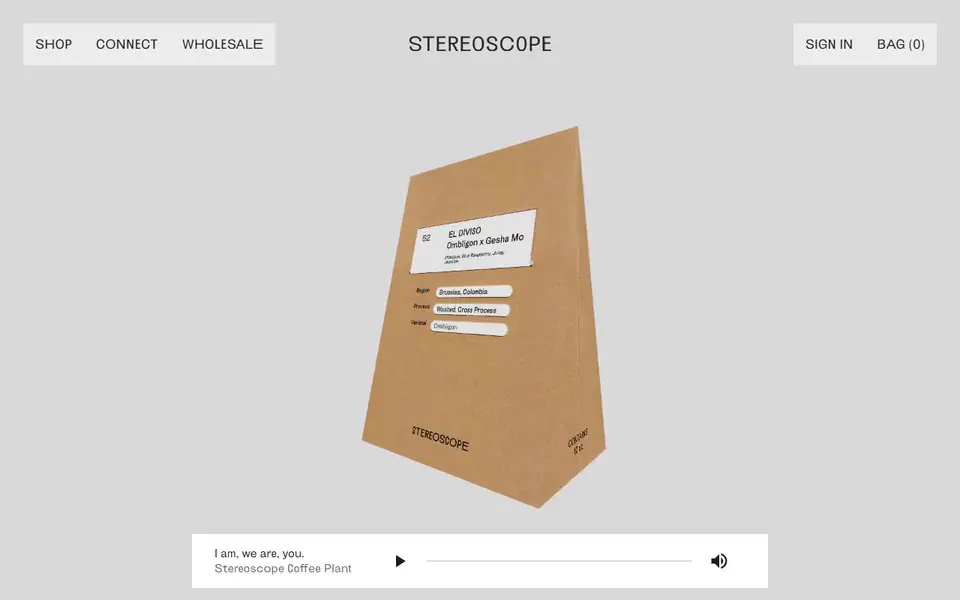
3D product hero for an insulated flask

Live
Section · Hero sections

SaaS hero section with drifting gradient

Live
Component · Cursor effects

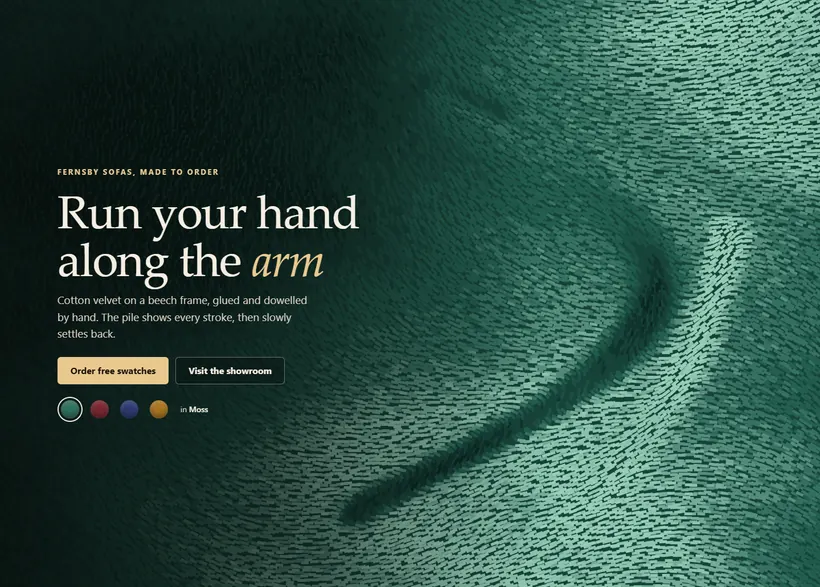
Brushed velvet line animation

Live
Component · Interactive components

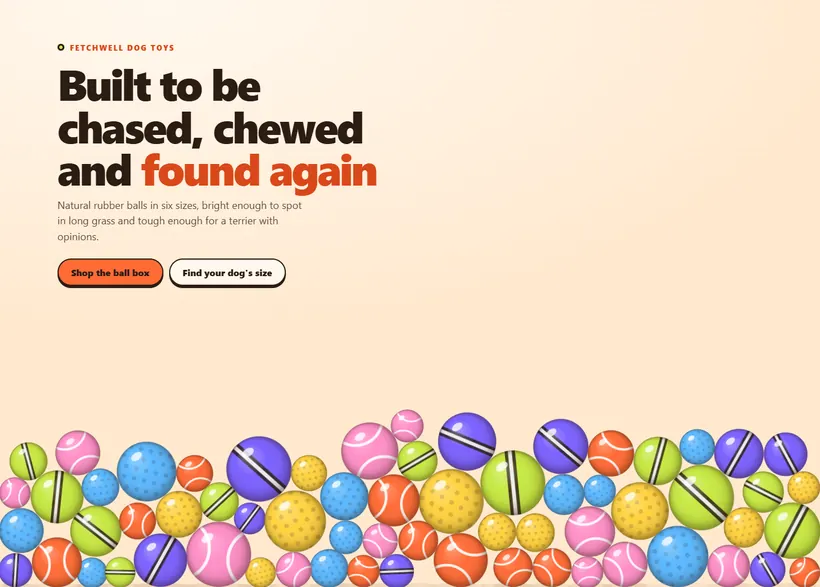
Bouncing balls animation for dog toys

Live
Component · Animated backgrounds

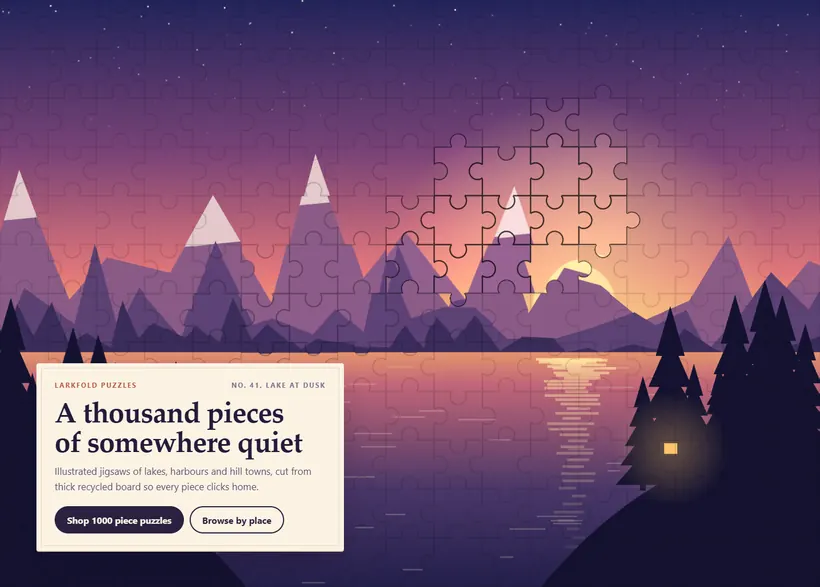
Jigsaw grid distortion background

Live
Component · Buttons

Specular lacquer buttons

Live
Component · Scroll animations

Scroll stack of moving day cards

Live
Component · Menus and navigation

Staggered hamburger menu for a climbing gym

Live
Component · Carousels and galleries

Orbit animation gallery of spice tins

Guide

How to prompt a good website section

The best section prompts read like a short brief. Name the parts, say which one matters most, and describe how it should move and behave on a phone.

  • Name the content. "Three plans: Starter, Pro and Enterprise" beats "a pricing table".
  • Pick one focal point. Tell the tool which element should draw the eye.
  • Describe motion in verbs. "Slides", "rolls up" and "fades in" beat "animated".
  • Cover mobile in one line. Most bad results come from forgetting it.