Website section design inspiration with prompts

Website section design, one block at a time. Every header, hero section, pricing table, FAQ and footer here runs live in the page, so you can check it on desktop, tablet and phone before you copy the prompt that builds it.

Prompts

Live
Component · Cursor effects

Starling flock cursor animation

Live
Component · Interactive components

Ring engraving input with a springy line

Live
Component · Animated backgrounds

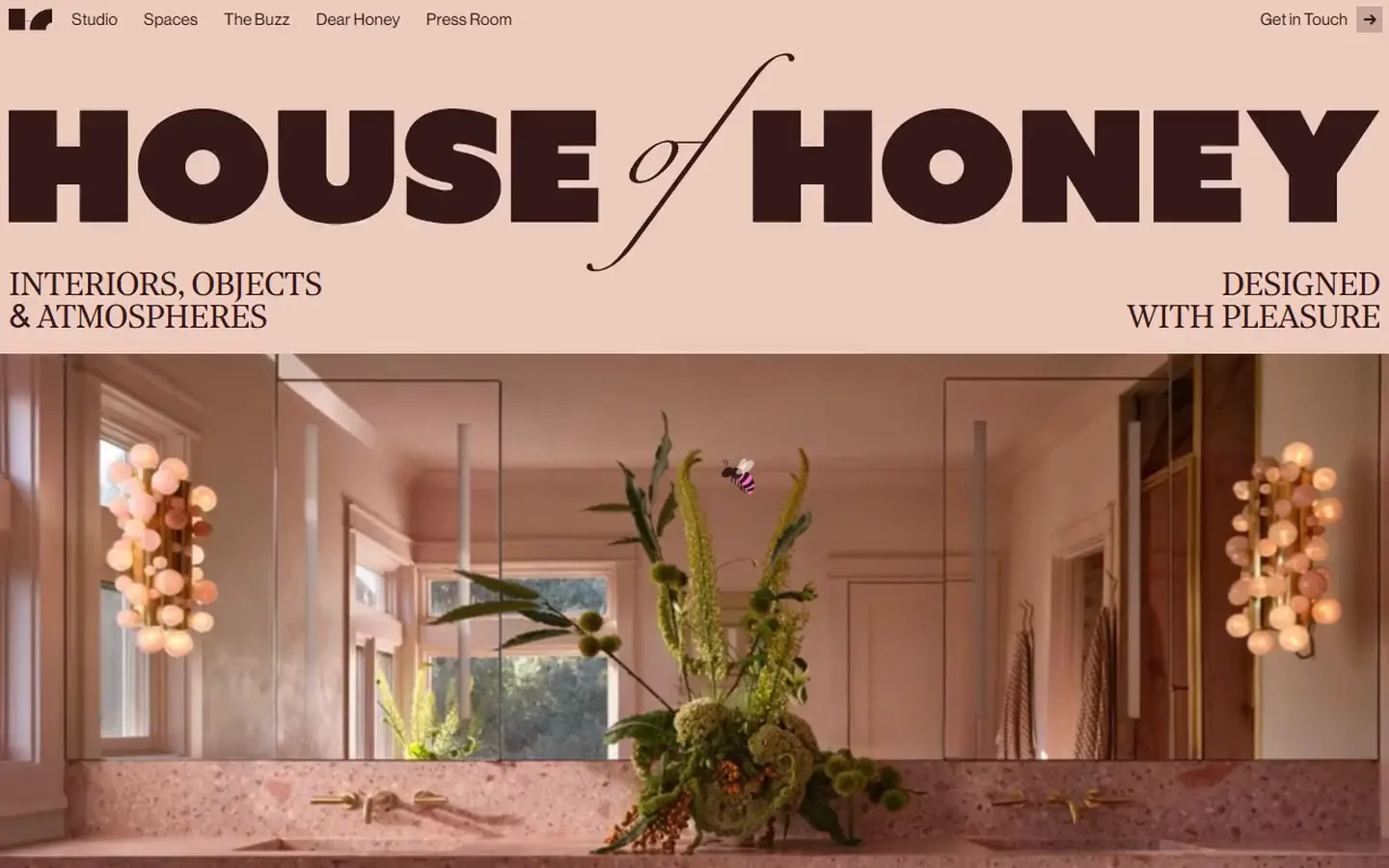
Honeycomb background that fills with honey

Live
Component · Buttons

Magnetic button hover effect

Live
Component · Scroll animations

Fade in on scroll route for a night race

Live
Component · Menus and navigation

Radial bubble menu for a travel journal

Live
Component · Carousels and galleries

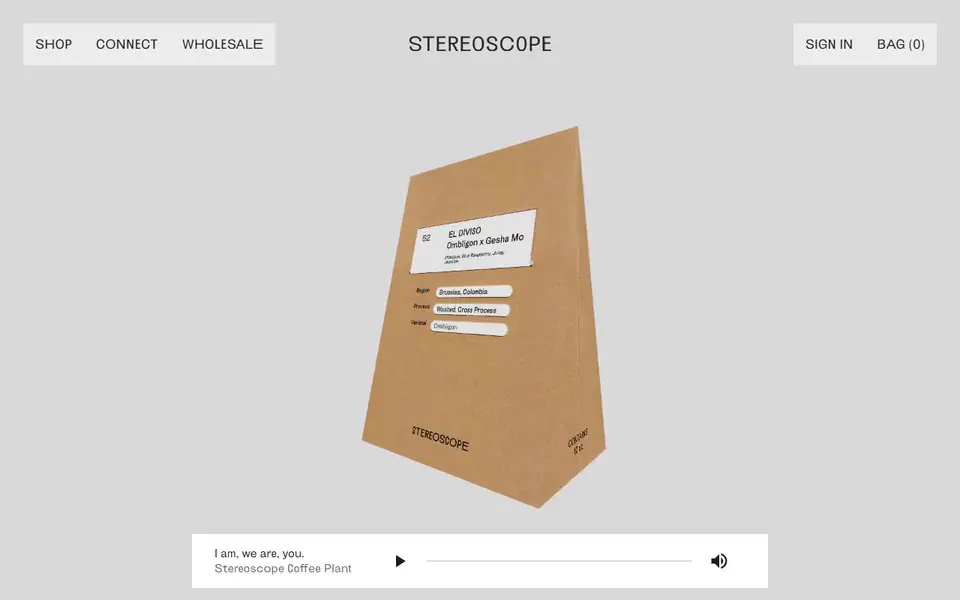
WebGL slider of seed packets on an arc

Live
Component · Hover and click effects

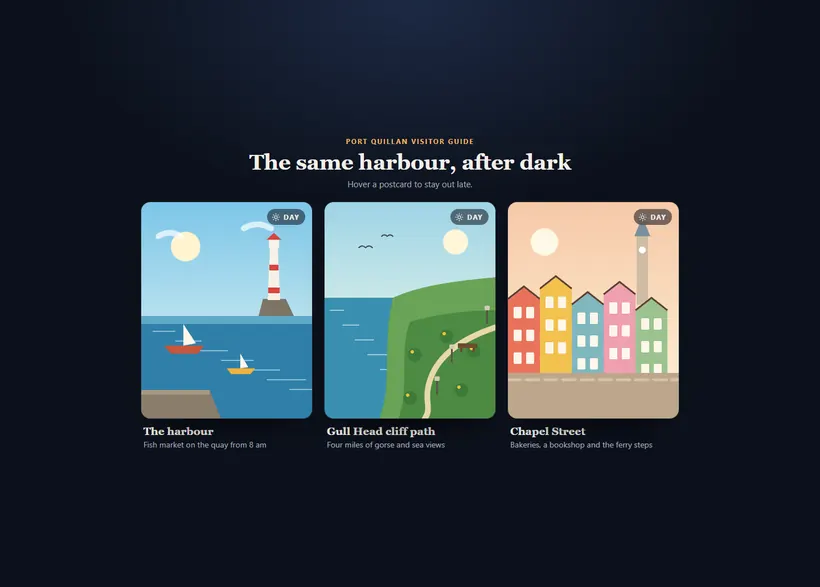
Day to night pixel transition postcards

Live
Component · Cards

Liquid glass smart home panel

Live
Component · Text animations

Text shuffle animation index

Live
Component · Cursor effects

Focus bracket custom cursor

Live
Component · Interactive components

Animated list of teas with a steep timer

Live
Component · Animated backgrounds

Liquid chrome background with ripples

Live
Component · Buttons

Six CSS animated buttons

Live
Component · Scroll animations

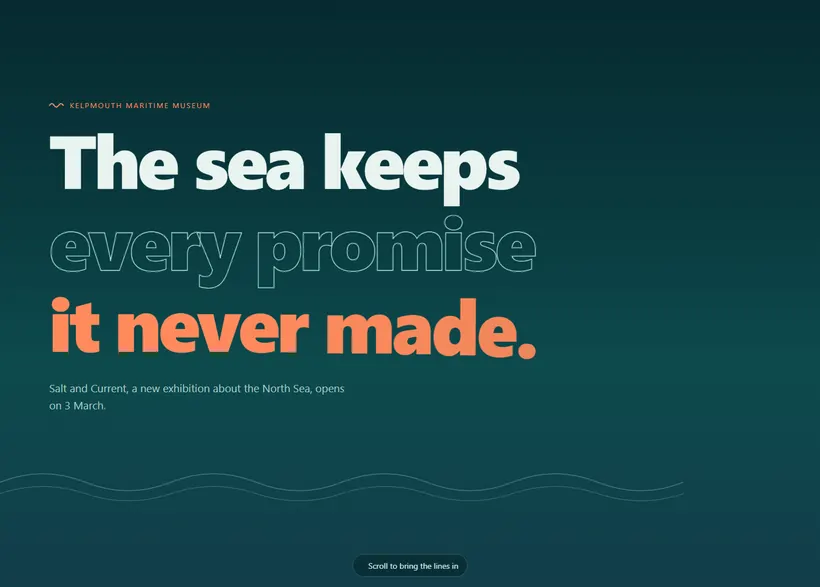
Progressive blur on a scrolling changelog

Live
Component · Menus and navigation

Tick ruler sidebar menu for a long read

Live
Component · Carousels and galleries

Masonry layout for a pattern library

Live
Component · Hover and click effects

Pixelate effect colourway picker

Live
Component · Text animations

Shimmer text invitation card

Live
Component · Cursor effects

Ghostly mist cursor trail

Live
Component · Interactive components

Elastic range slider for e-bike assist

Live
Component · Animated backgrounds

Tie dye background swirl

Live
Component · Scroll animations

Scroll text animation with floating letters

Guide

How to prompt a good website section

The best section prompts read like a short brief. Name the parts, say which one matters most, and describe how it should move and behave on a phone.

  • Name the content. "Three plans: Starter, Pro and Enterprise" beats "a pricing table".
  • Pick one focal point. Tell the tool which element should draw the eye.
  • Describe motion in verbs. "Slides", "rolls up" and "fades in" beat "animated".
  • Cover mobile in one line. Most bad results come from forgetting it.