

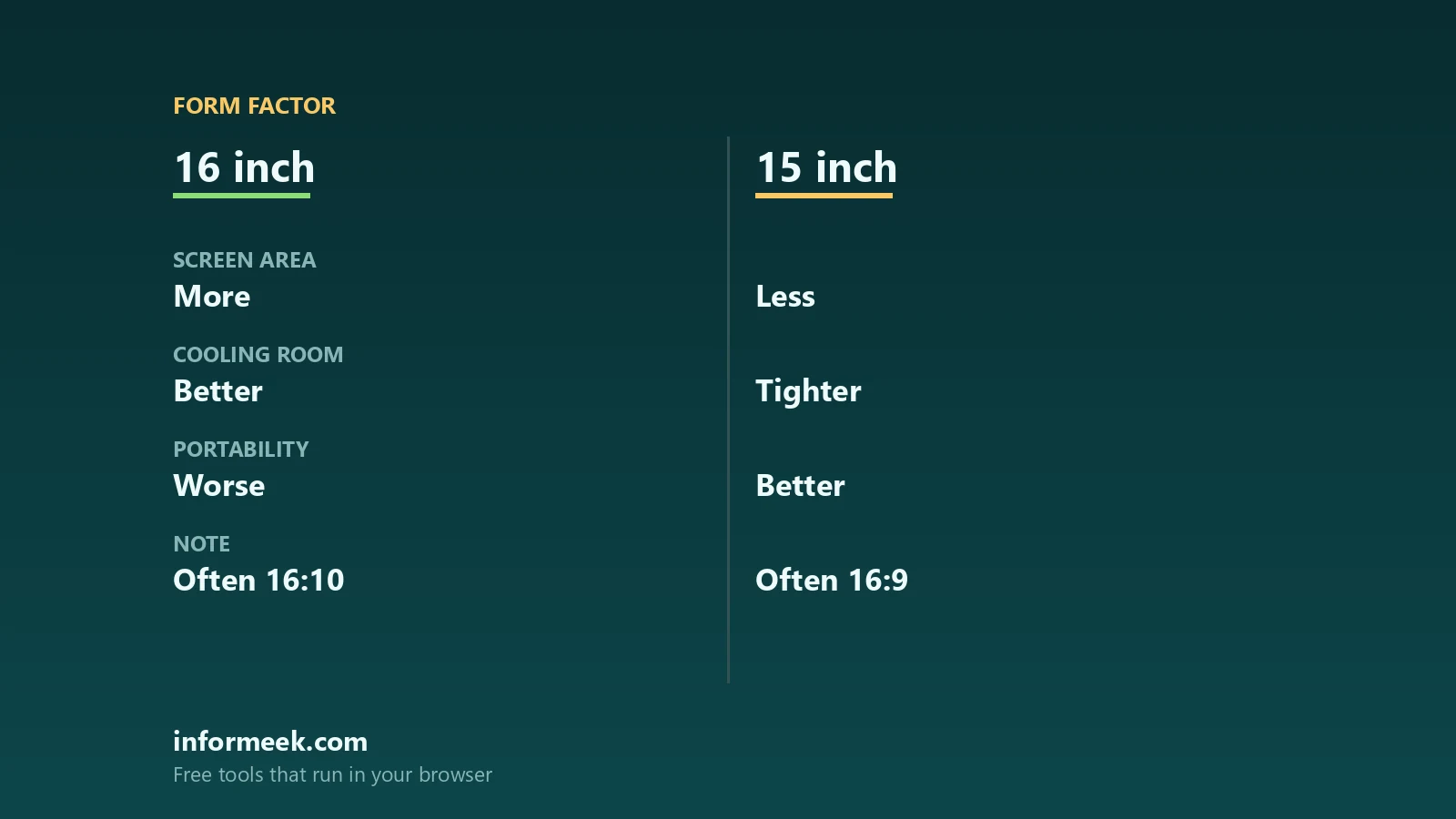
Choosing between a 16-inch and a 15-inch gaming laptop used to be an easy argument about aspect ratio. In 2026 that argument has largely been settled, because taller 16:10 panels now appear at both sizes. What is left is a quieter set of trade-offs: physical footprint, weight, how much power the chassis is allowed to feed the graphics chip, and what the manufacturer is willing to print on a specification sheet. This comparison uses published figures from NVIDIA, ASUS and Lenovo rather than impressions, so you can see where the two sizes genuinely differ.
Updated October 2026.
Aspect ratio is no longer the difference
The old rule was that 15-inch machines used 16:9 and 16-inch machines used 16:10, so the larger class gave you useful vertical space. Current specification sheets do not support that any more. Lenovo’s 15-inch Legion 5 15IAX10 lists a 15.1 inch WQXGA panel at 2560 by 1600, which is 16:10. ASUS lists the 16-inch TUF Gaming F16 with either a 2.5K 2560 by 1600 16:10 panel or an FHD+ 1920 by 1200 16:10 panel, both at high refresh rates. Lenovo’s 16-inch Legion Pro 5 16IAX10 offers 2560 by 1600 in IPS at 240Hz or OLED at 165Hz, also 16:10.
If vertical space for spreadsheets and code was your reason to go up a size, check the panel line on the model you are actually buying. You may already have it at 15 inches.
Footprint and weight, measured
This is where the sizes still part company, and the numbers are modest but real. The 15-inch Legion 5 15IAX10 measures 344.9 by 255.35 by 19.95 to 21.54 mm and starts at 1.9 kg. The 16-inch Legion Pro 5 16IAX10 measures 364.38 by 268.06 by 21.69 to 25.95 mm and weighs around 2.43 kg. So moving up a size costs roughly 2 cm of width, 1.3 cm of depth, a few millimetres of thickness and about half a kilogram.
ASUS sits between the two in mass despite the larger screen: the TUF Gaming F16 is listed at 35.4 by 26.9 by 1.79 to 2.73 cm and 2.20 kg. The lesson is that screen size predicts footprint reasonably well and weight only loosely. Half a kilogram sounds trivial until you add a 245W power adapter, which is what Lenovo specifies for both of those Legion models.
Where a bigger gaming laptop earns its size: graphics power
Two machines carrying the same GPU name can perform differently because the power the chassis delivers is set by the manufacturer within a range. NVIDIA publishes those ranges as GPU subsystem power: 95 to 150 W for the RTX 5090 laptop GPU, 80 to 150 W for the 5080, 60 to 115 W for the 5070 Ti, 50 to 100 W for the 5070, 45 to 100 W for the 5060 and 35 to 100 W for the 5050.
What vendors then print is not always directly comparable with that range, because the definitions differ. Lenovo lists the RTX 5050, 5060 and 5070 in the 15-inch Legion 5 15IAX10 all at 115W TGP. The 16-inch Legion Pro 5 16IAX10 also lists its 5060 and 5070 at 115W, while the 16IRX10 variant of the same family adds an RTX 5070 Ti at 140W. ASUS lists its 16-inch TUF Gaming F16 GPUs at 115W, with maximum system power of 150W in manual mode, split as 35W for the processor and 115W for the graphics.
Read that carefully, because it undercuts the usual claim that a bigger chassis automatically means more power. At the same tier, these 15-inch and 16-inch machines are configured identically. The larger class is where the higher tier parts and the higher wattage options appear at all. The practical rule is to compare the manufacturer’s own figure for the exact model number rather than the GPU name, and to treat NVIDIA’s range as the outer boundary rather than the spec of any particular machine. We go further into tier differences in our comparison of the RTX 5050 and RTX 5060 in laptops.
5 simple ways to choose
- Measure your bag, not the diagonal. The 16-inch class adds roughly 2 cm of width and 1.3 cm of depth. That is the figure that decides whether it fits.
- Check the panel line, not the size. 16:10 at 2560 by 1600 now appears at 15 inches too, so a taller screen is no longer a reason on its own to go bigger.
- Compare the vendor TGP for the exact model. Two laptops with the same GPU name can be configured at different wattages, and the specification sheet is where that is stated.
- Add the adapter to the weight. A 245W power supply travels with the machine, and it changes the comparison between a 1.9 kg and a 2.43 kg chassis less than you might hope.
- Decide whether you need the top tier at all. If the answer is a 5060 or 5070, both sizes offer it at the same power, and the smaller one is lighter.
What neither size fixes
Thermals, fan noise and sustained performance are properties of a specific cooling design, not of a screen size, and they are the hardest things to learn from a specification sheet. Battery life is similarly chassis specific: Lenovo quotes the 15-inch Legion 5 at 4.4 hours on MobileMark 30 at 250 nits and 10.8 hours of local 1080p video playback at 150 nits, which tells you these are mains machines with a portable mode rather than all-day laptops. If you are weighing a gaming laptop against a cheaper general purpose machine, our guides to choosing a laptop and gaming versus budget laptops for students cover that decision, and new versus refurbished is worth reading before you pay full price.
Common questions
Is a 16-inch gaming laptop better than a 15-inch one? Not inherently. At the same GPU tier the published power figures can be identical. The 16-inch class is where higher tier parts and higher wattage configurations appear, and where the footprint and weight penalty is paid.
Do 15-inch gaming laptops still use 16:9 screens? Many no longer do. Lenovo specifies a 15.1 inch 2560 by 1600 panel for the Legion 5 15IAX10, which is 16:10, so check the resolution line on the model you are considering.
How much heavier is a 16-inch machine? Comparing Lenovo figures, the 15-inch Legion 5 starts at 1.9 kg and the 16-inch Legion Pro 5 is around 2.43 kg. ASUS lists its 16-inch TUF Gaming F16 at 2.20 kg, so the gap depends on the model.
What is TGP and why does it matter? It is the power budget the laptop gives the graphics chip. NVIDIA publishes ranges such as 50 to 100 W for the RTX 5070 laptop GPU, and each manufacturer picks a figure for each model, which is why identically named machines differ.
Which size is better for work as well as games? Either, now that both offer 16:10 panels. Decide on footprint, weight and port layout, and on whether you need a GPU tier that only the larger chassis offers.
Sources and further reading
Where the figures and rules above come from, so you can check them:
- Laptop GPU subsystem power ranges for the RTX 50 series: NVIDIA
- Display options, dimensions, weight and GPU wattage for the TUF Gaming F16: ASUS technical specifications
- Legion 5 15IAX10 panel, dimensions, weight, GPU TGP and battery figures: Lenovo PSREF
- Legion Pro 5 16IAX10 panel options, dimensions, weight and GPU TGP: Lenovo PSREF
Photo credit: Falcon Northwest TLX gaming laptop in cobalt clouds paintwork by Falcon Northwest, CC BY-SA 4.0, via Wikimedia Commons.



Join the discussion